
The LocalSend Alternative the Works Online
On many networks LocalSend is brittle with users frequently reporting disconnects or stalled transfers due to discovery failures, firewall blocks, one-way connections and other glitches.
At the root of these problems is its reliance on local-network discovery via a fixed port, which frequently breaks across networks that haven't been precisely configured.
 To overcome those flaws, xosend uses secure browser networking via encrypted connections so that devices can connect across the internet, even through restrictive routers and networks. It works on any device with a browser, so cross-platform compatibility is built-in and no extra apps are required.
For the easiest way to transfer files locally or online, try xosend.
What's Wrong with LocalSend
- Device discovery failures - AP/client isolation, guest Wi-Fi, or multiple subnets frequently prevent device discovery.
- Firewall and port issues - the default discovery/receive port can be blocked by OS or security software.
- Unpredictable cross-OS behavior - some OS pairings show asymmetric send/receive problems.
- Platform dependent glitches - Android OEM quirks and iOS sandboxing can block file selection.
- Discovery broken on multi-homed or VPN systems - VPNs and virtual adapters often hide the right interface.
- Stalls or freezes mid-transfer - transfers can hang or fail partway for reasons tied to network policies or device sleep.
- Inconsistent UX and troubleshooting burden - users often must change ports, add firewall rules, or consult community threads.
- Router and ISP edge cases - some consumer routers or ISP firmware block the UDP/multicast behavior LocalSend relies on.
Most of these problems can be traced to its lack of online support, which is why xosend is the ideal alternative.
How an Online Alternative can Solve These Problems
LocalSend’s discovery is built around UDP multicast and a specific port for announcing and responding to peers on the local subnet. That design is fast on a simple home LAN but breaks when networks isolate clients (guest Wi-Fi, AP isolation), when devices are on different VLANs or subnets, or when VPNs and virtual adapters change which interface is visible. Users and maintainers have repeatedly reported that multicast discovery won’t cross VLANs or VPNs and that manual interface selection or fallback scanning is often required.

Desktop firewalls and security suites also get in the way. LocalSend listens on a default port that can be blocked or reserved, forcing users to add inbound rules or change ports to get transfers working. When discovery fails, users try rescans, manual IP entry, or rolling back versions - all time-consuming troubleshooting steps.
Those network and platform edge cases explain why many users see asymmetric behavior where one device can send but not receive, or why transfers stall mid-transfer when a device’s network stack or power policy intervenes. Android and iOS platform quirks - file-picker crashes, SAF restrictions, or sandbox limits - add another layer of friction that isn’t solved by network tweaks alone.
- No multicast dependency: Browser-based tools use WebRTC or HTTPS signaling instead of LAN multicast, so devices don’t rely on router multicast support or a single subnet. That avoids AP isolation and VLAN blind spots.
- No fixed receive port to open: xosend uses WebRTC which negotiates ephemeral ports and can fall back to relay servers (TURN) when direct peer-to-peer paths are blocked, removing the need to edit firewall rules.
- Works across VPNs and multi-homed machines: Because connections made with xosend are negotiated through the browser and can route via relays, virtual adapters and VPNs are less likely to break discovery.
- Fewer platform file-picker surprises: Browser file pickers are consistent across platforms and avoid many OEM file-system quirks; they also make folder selection and drag-and-drop simpler for average users.
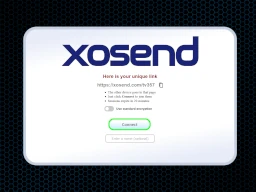
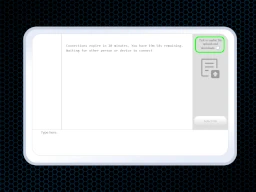
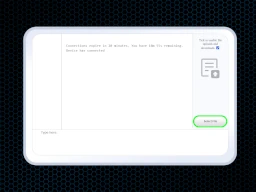
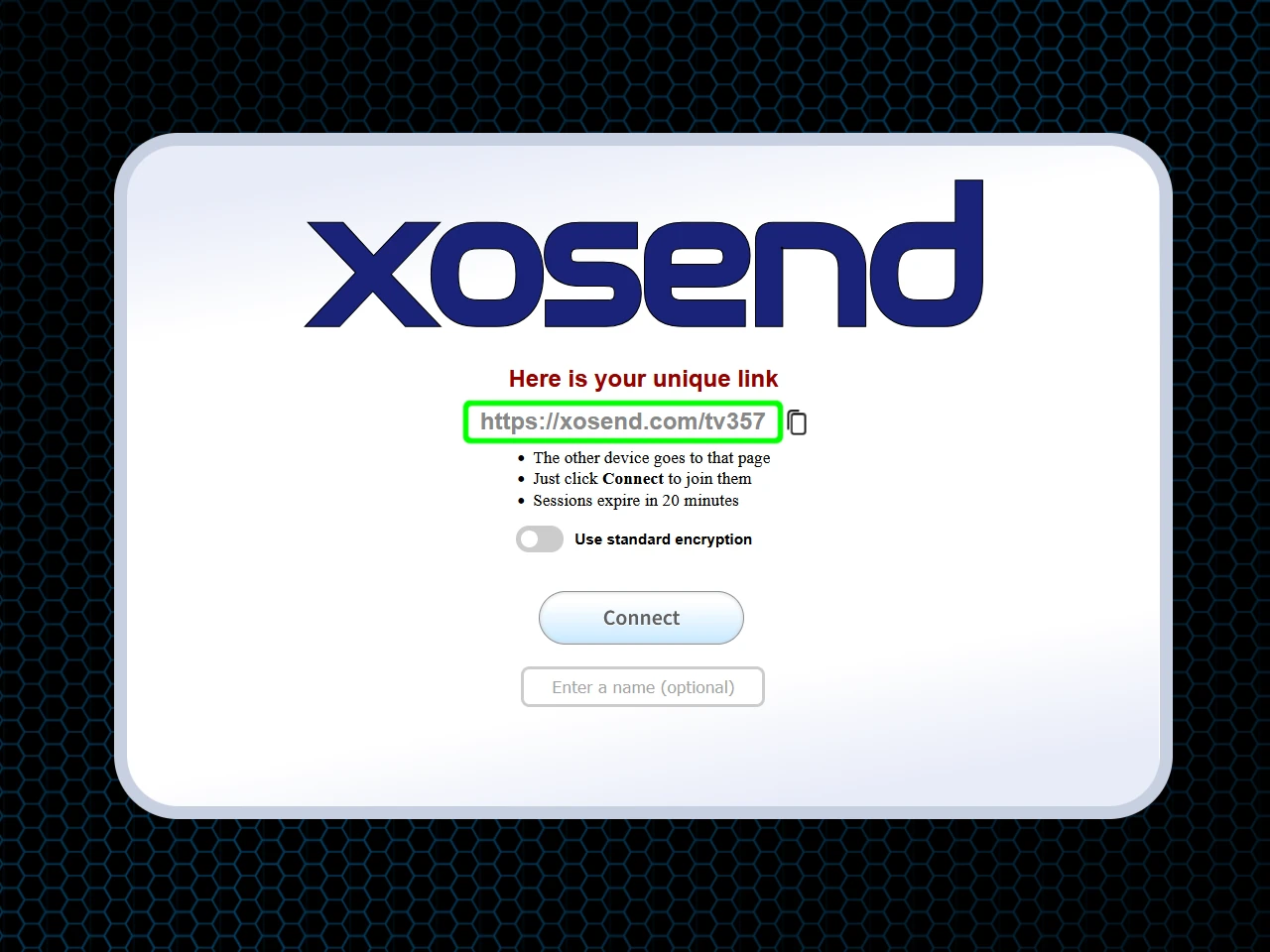
- Less troubleshooting for end users: Instead of changing ports, toggling interfaces, or digging through docs, xosend users simply open a URL, confirm the transfer, and let the browser handle connectivity and encryption.
Here are some more ways to quickly send files online.
Why xosend is the Best Online LocalSend Alternative
xosend fixes the biggest frustrations people run into with LocalSend by letting the browser handle all the network-dependent guesswork. It removes the firewall, subnet, platform and multicast issues, leaving you with the simple “open and send” workflow you're looking for.
- It Works Everywhere: You’re not stuck on the same Wi-Fi with xosend. It works across subnets, networks, and the full internet. It even works on phones halfway round the world.
- No setup headaches: You don’t have to fight firewall rules or tweak network settings; it just opens and works.
- VPN-proof transfers: Even if you’re on a VPN or juggling multiple network interfaces, xosend still connects reliably.
- VPN-proof transfers: Because it runs in the browser, you avoid the asymmetric “works on one device but not the other” problems LocalSend users often hit.
- Zero troubleshooting: It works when you need it to. Instead of hunting for community fixes, you just open the link and send your files.
Comparing features of xosend and LocalSend
| xosend | LocalSend | |||
|---|---|---|---|---|
| Discovery Method | Browser-based signaling and WebRTC. Works across subnets and over the internet. | UDP multicast; only works on the same subnet. | ||
| Firewall Requirements | Already handled via your browser rules. | Requires its own firewall rules and port forwarding. | ||
| VPN & Multi-NIC Support | Uses WebRTC p2p and relay fallback. Reliable even with VPNs or multiple interfaces. | Often fails or requires manual interface selection. | ||
| Cross-OS Behaviour | Browser consistency avoids platform-specific bugs. | Asymmetric behaviour reported on some OS combinations. | ||
| Error Frequency | Minimal and infrequent. | Common and varied. |
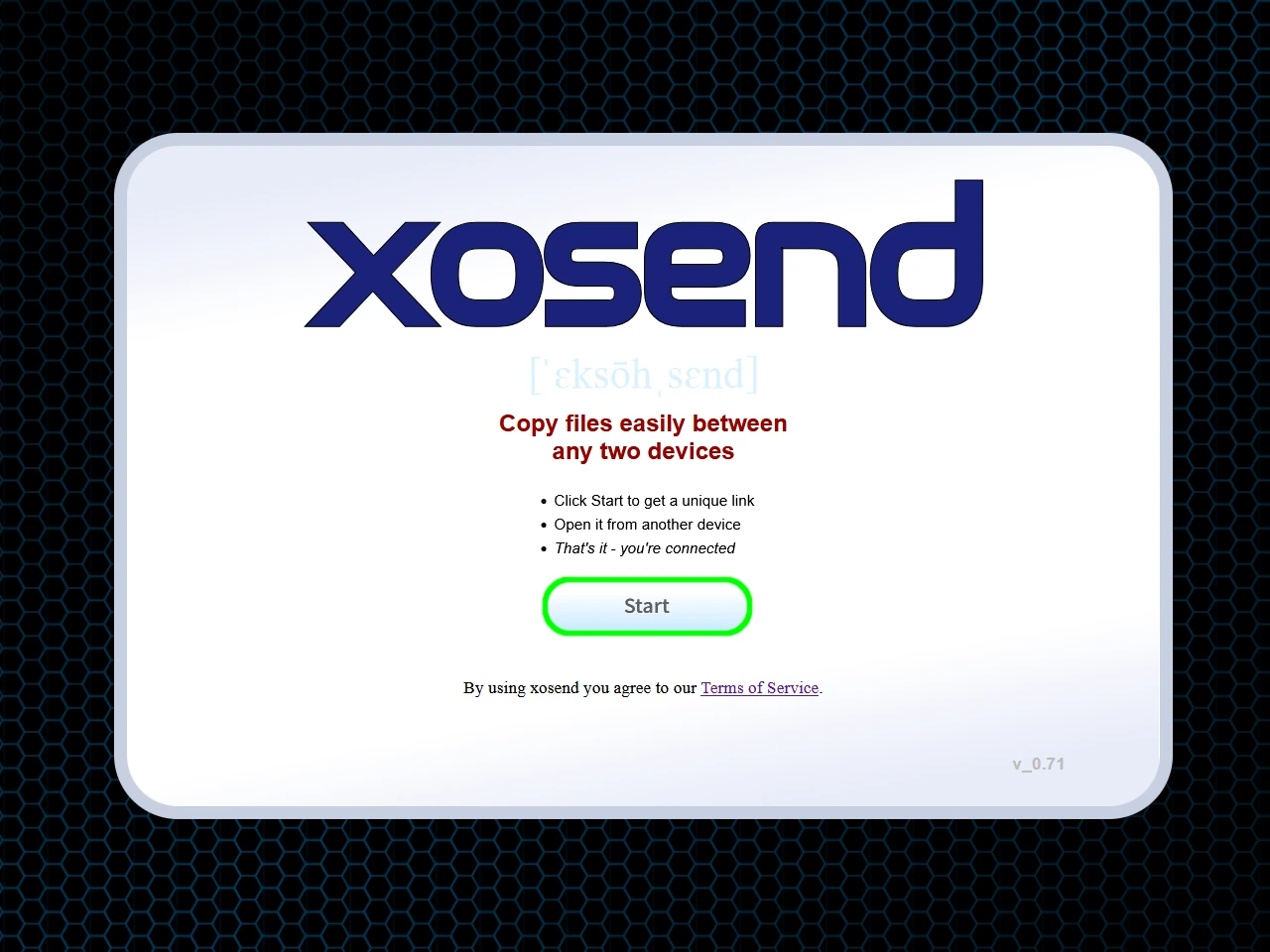
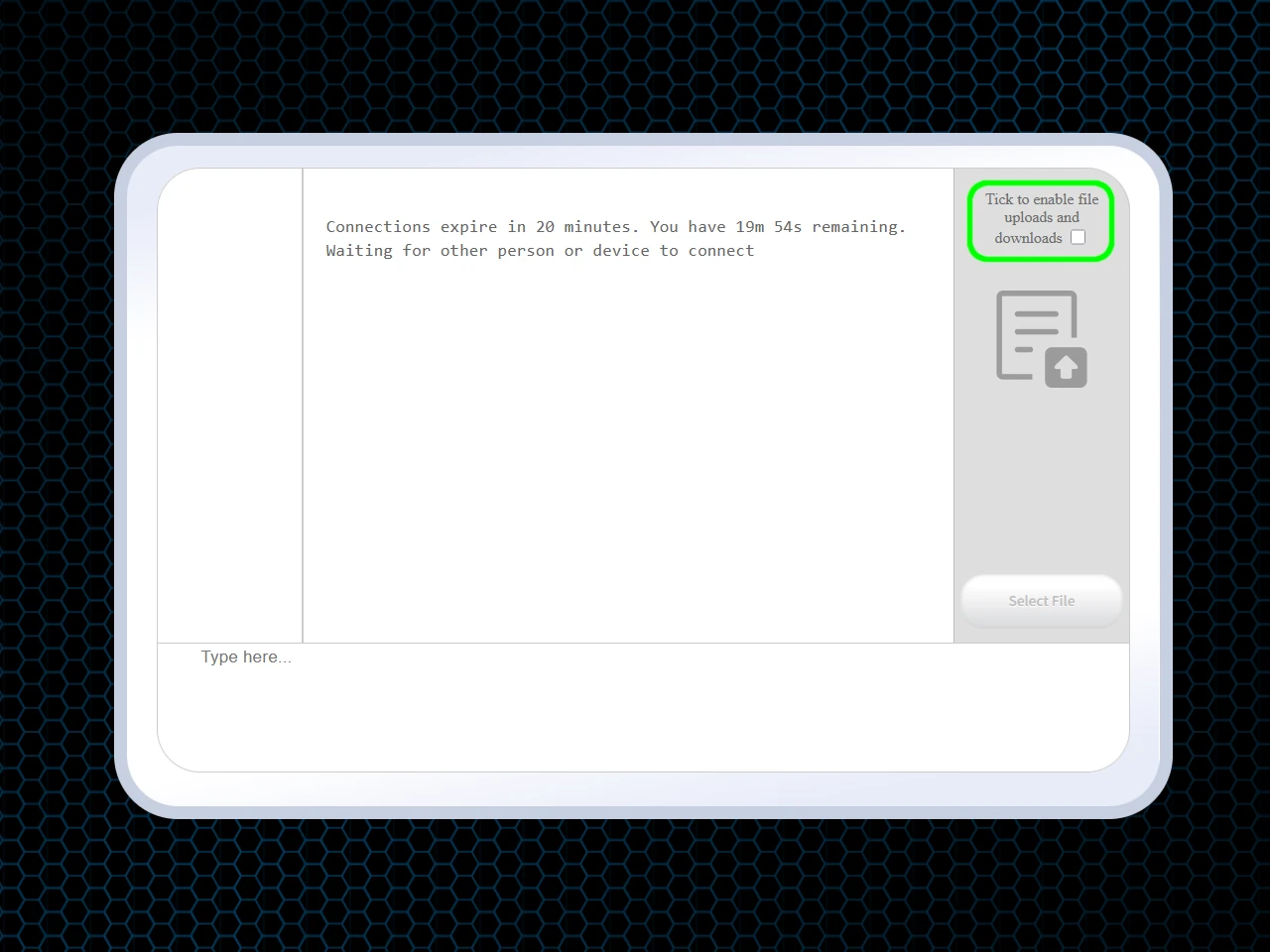
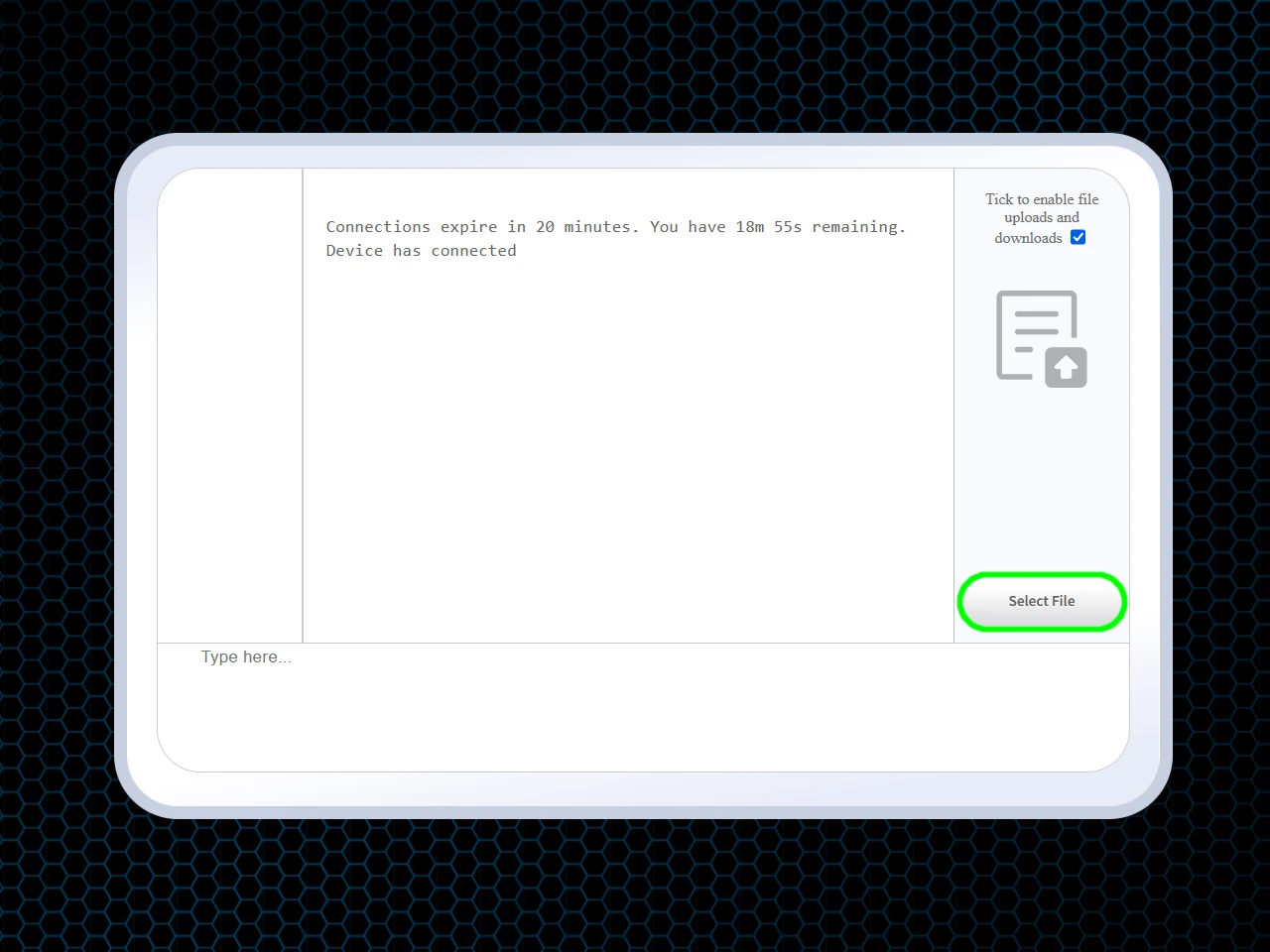
Using xosend as an online LocalSend alternative
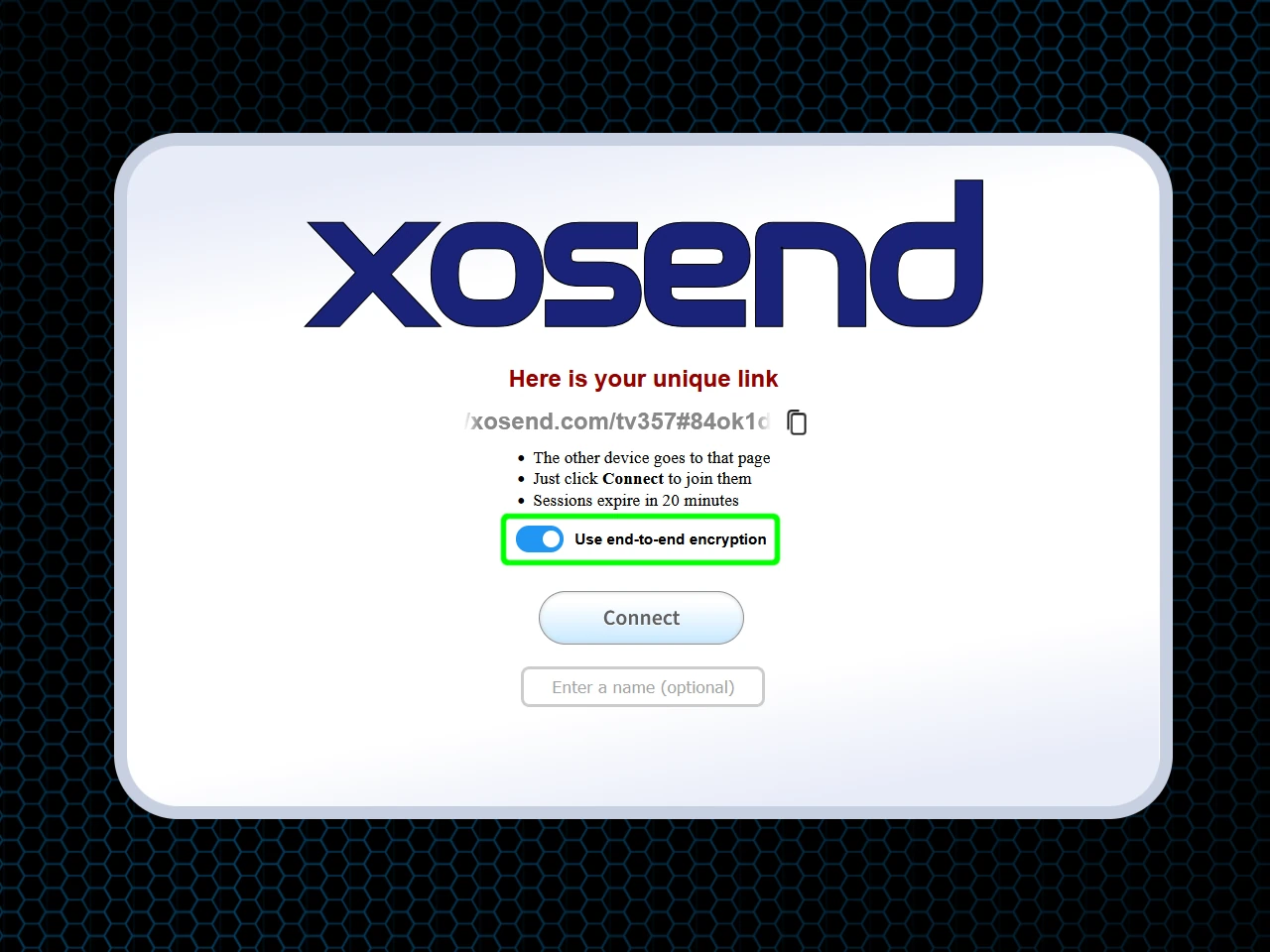
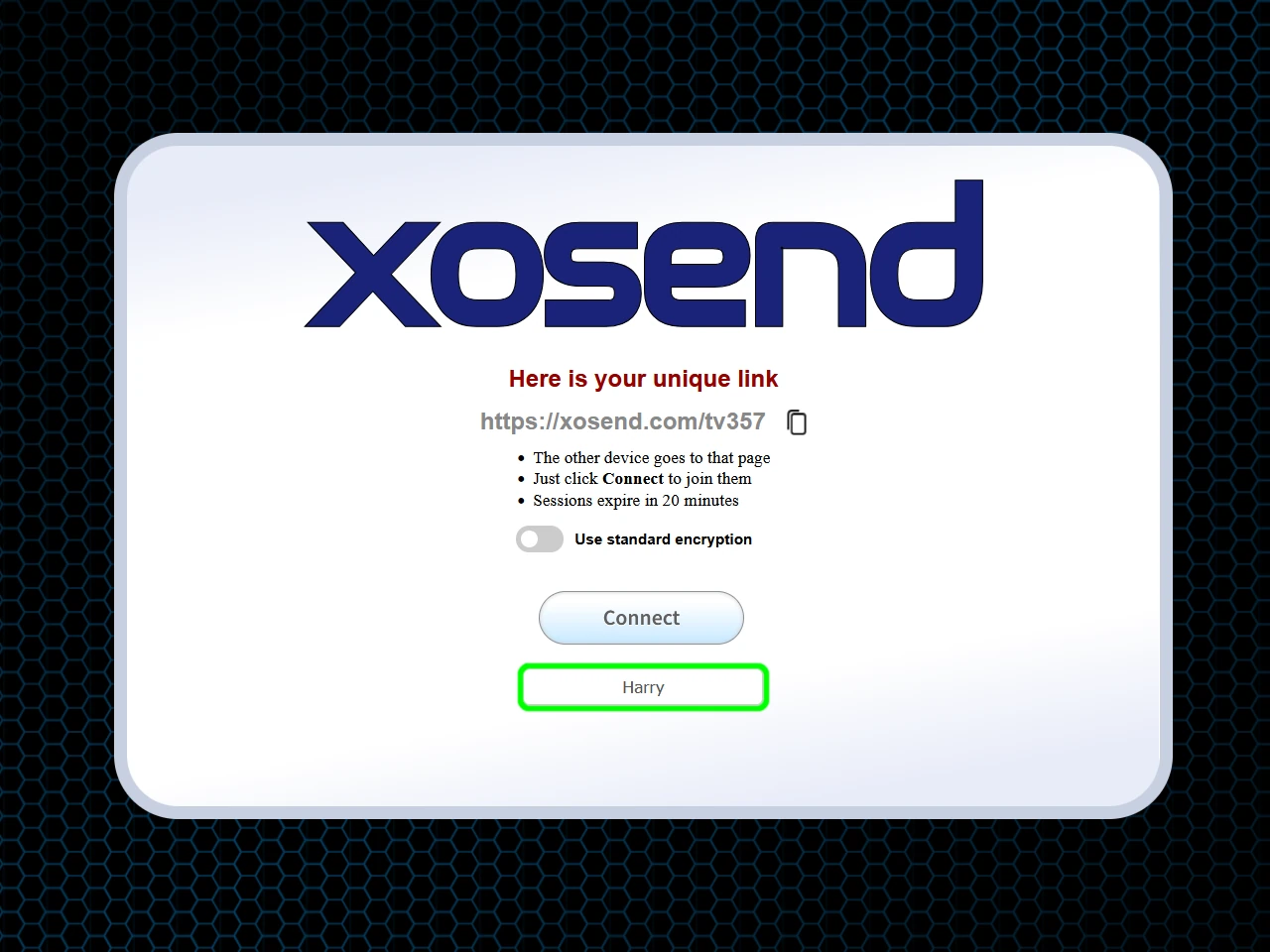
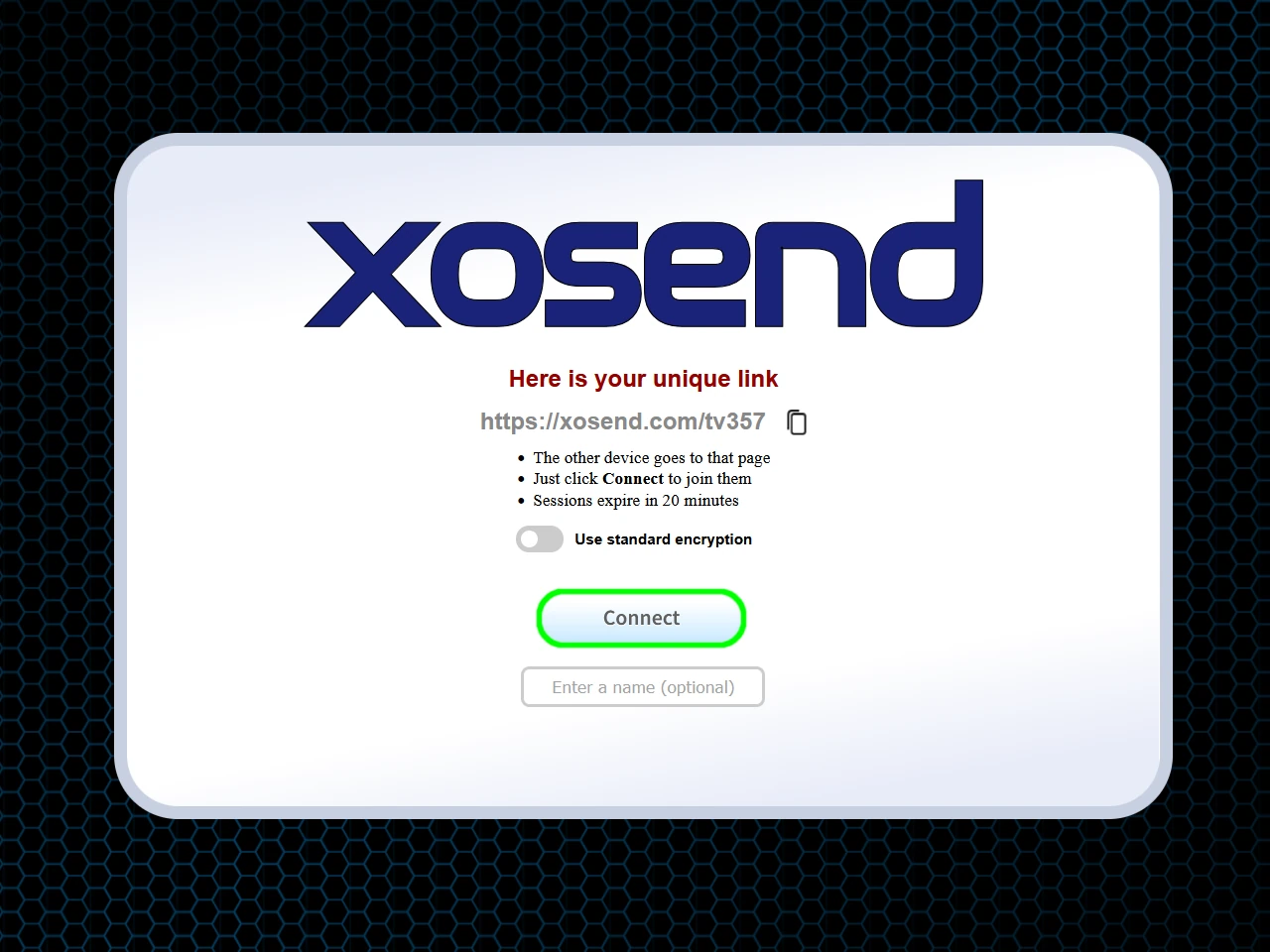
Requirements: An Internet Connection and Any Web Browser.
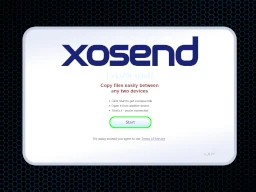
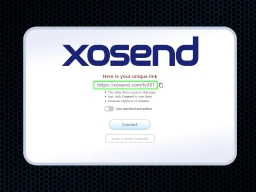
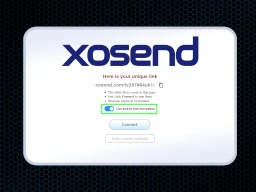
(Optional)
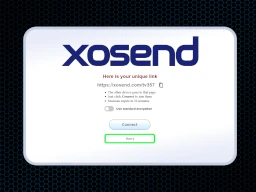
(Optional)
Frequently Asked Questions
Do devices need to be on the same Wi-Fi network to transfer files?
No. Unlike LocalSend, which depends on both devices being on the same local network, xosend works over the internet. With xosend, devices can be on different Wi-Fi networks, mobile data, hotspots, or even in different countries.
Because transfers run through the browser using a secure online session, you avoid the usual LAN issues like router isolation, subnet mismatches, or blocked multicast discovery.
Is this alternative to LocalSend completely browser-based?
Yes. xosend is a 100% browser-based LocalSend alternative, meaning there’s no software to install, no permissions to configure, and no system-level dependencies. It works on iPhone, Android, Windows, macOS, Linux, Chromebooks, and anything else with a modern browser.
This makes it ideal for users who want fast, frictionless file transfers without dealing with app stores, downloads, or OS‑specific limitations.
How does xosend handle transfers when local discovery fails?
When LocalSend’s LAN discovery fails—usually due to firewall rules, router isolation, or incompatible networks—xosend switches to its online transfer mode. Instead of relying on local broadcast discovery, it creates a direct WebRTC connection between devices using a secure online handshake.
This ensures transfers still work even when devices can’t see each other locally, making xosend a reliable online fallback for situations where LocalSend stalls or never discovers the other device.
More Ways to Use xosend
-
How to send files without WhatsApp
You don't need an app or account with xosend. We don't need your phone number or a list of your contacts either.
-
AirDrop alternative that works online
You don't need to be in the same room (or even the same country) to send a file to another phone with xosend.
-
Transfer Files Without a Cable
Don't have the right cable to hand? You don't need it with xosend. Transfer files easily and wirelessly.