
How to Transfer Files Without WhatsApp (High Quality & Large Files)
If you need fast, private, cross-device file transfers without forcing installs, phone numbers, or long uploads, WhatsApp is often the wrong tool. Let's look at why xosend, a browser-based alternative is the better choice when sending files from one device to another.
WhatsApp is excellent for quick chats, but it creates predictable headaches when you want to move files quickly and easily. Below are the common frustrations people encounter — and how xosend solves them.
Trying to send files without an app? Use xosend.
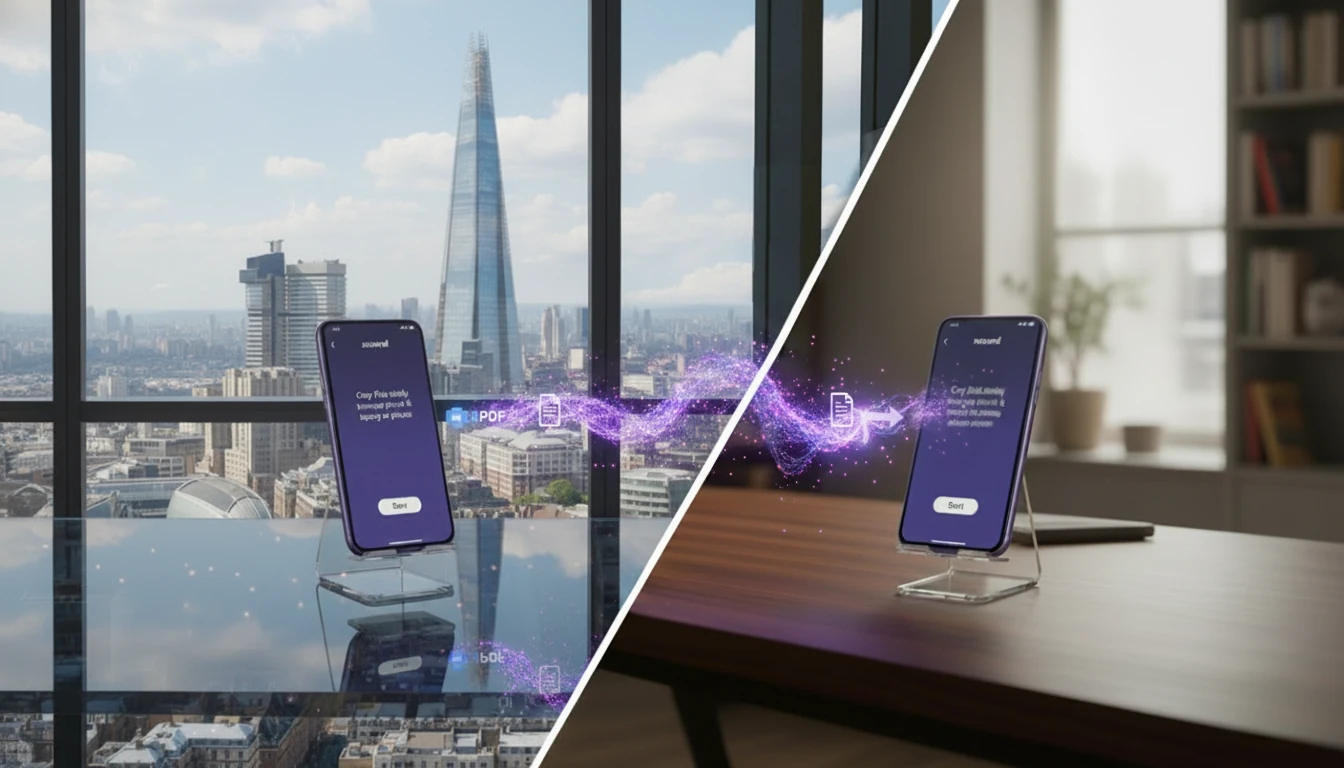 xosend is a browser-based alternative to WhatsApp for transferring photos, videos and documents to any device, on any platform, anywhere.
What's Up with WhatsApp?
There are a number of problems that people face frequently when trying to transfer files with WhatsApp. Here's a rundown:
- Unwanted media compression - With WhatsApp media files are usually compressed, lowering the quality of photos and videos and forcing users to send files as documents to preserve their quality.
- Platform limits and workarounds - File-size caps and rigid workflows force awkward, time-wasting hacks.
- Cross-device friction - Moving files between phone and laptop is clunky and inconsistent.
- Mandatory app and account - Requires installing an app and tying your identity to a phone number.
- Sharing personal data - You must share your phone number and contact list just to connect.
- Server routing and retention - Files pass through servers, slowing transfers and exposing even more of your data.

Here are some more ways to quickly send files online.
Why xosend is Better for Sending Files
No account or installation needed. You don't need an app or account with xosend, and your phone number isn't used or linked to anything; these are the things that create privacy and setup barriers for your file transfers. By using xosend's browser link model you remove those barriers: recipients simply open a link in any browser to connect.
File-size and workflow limits. With xosend there’s no need to repackage files as a “document” or split archives to fit arbitrary caps. Large-files are natively supported by xosend, so you don't need to change file types, split archives, or work around size limits.
Cross-device compatibility. Sending files from a phone to a laptop or tablet with xosend is simple. You use the same workflow no matter what device you're using, and it never changes, compresses, renames or alters your files.
 You keep your contact data. Instead of forcing you to add someone to your contacts or swap personal details, xosend generates a one-time anonymous link you can share. That means you can send files to buyers, clients, or strangers without creating a persistent connection or exposing your phone number.
Server routing, speed, and traces. xosend prioritises direct device-to-device connections when possible, so files don’t have to make a long round trip through remote messaging servers. The result is faster transfers on local networks and fewer copies left on third-party servers once the session ends, reducing both wait time and residual data traces.
Control and predictability. With xosend you see clear transfer progress, you know the file you sent is the original, and the session ends cleanly when the browser tab closes. You're never left with a file that's renamed, compressed, stored, or left lingering in your chat history.
Explore other ways to transfer files wirelessly between any devices.
Sending Files with xosend and WhatsApp
| xosend | ||||
|---|---|---|---|---|
| No App / Login Requirement | Works via your browser. | Must be installed or logged-in on every device. | ||
| Direct Connection | Always connects directly if your network supports it. | Always relays data via cloud / corporate servers. | ||
| No Media Compression | Files are received exactly as sent. | Compresses videos and images that exceed limits. | ||
| Size Limits | No size limits. | Video limit: 100MB Image limit: 5MB |
||
| Built-in Laptop / desktop / tablet support | Just go to xosend.com using your browser, then click Start. | Must be installed and logged-in on every device. |
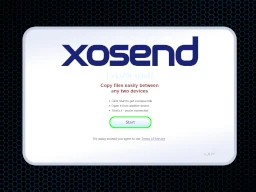
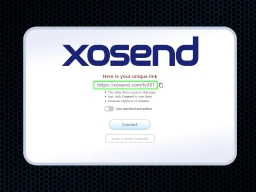
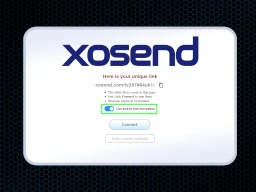
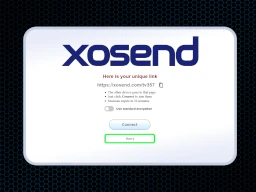
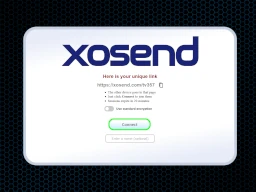
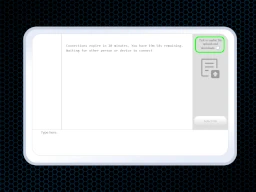
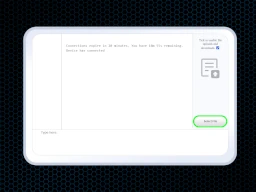
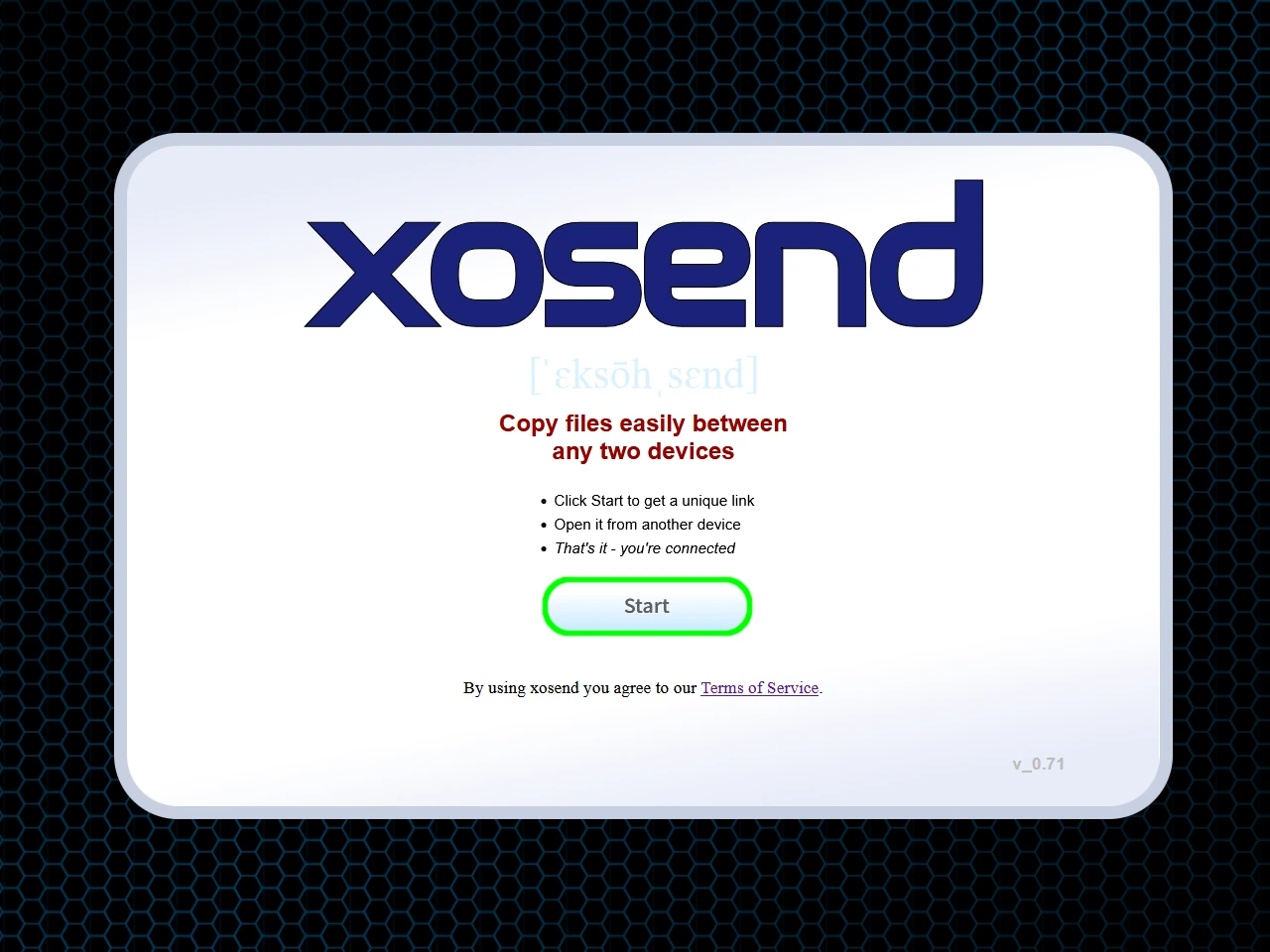
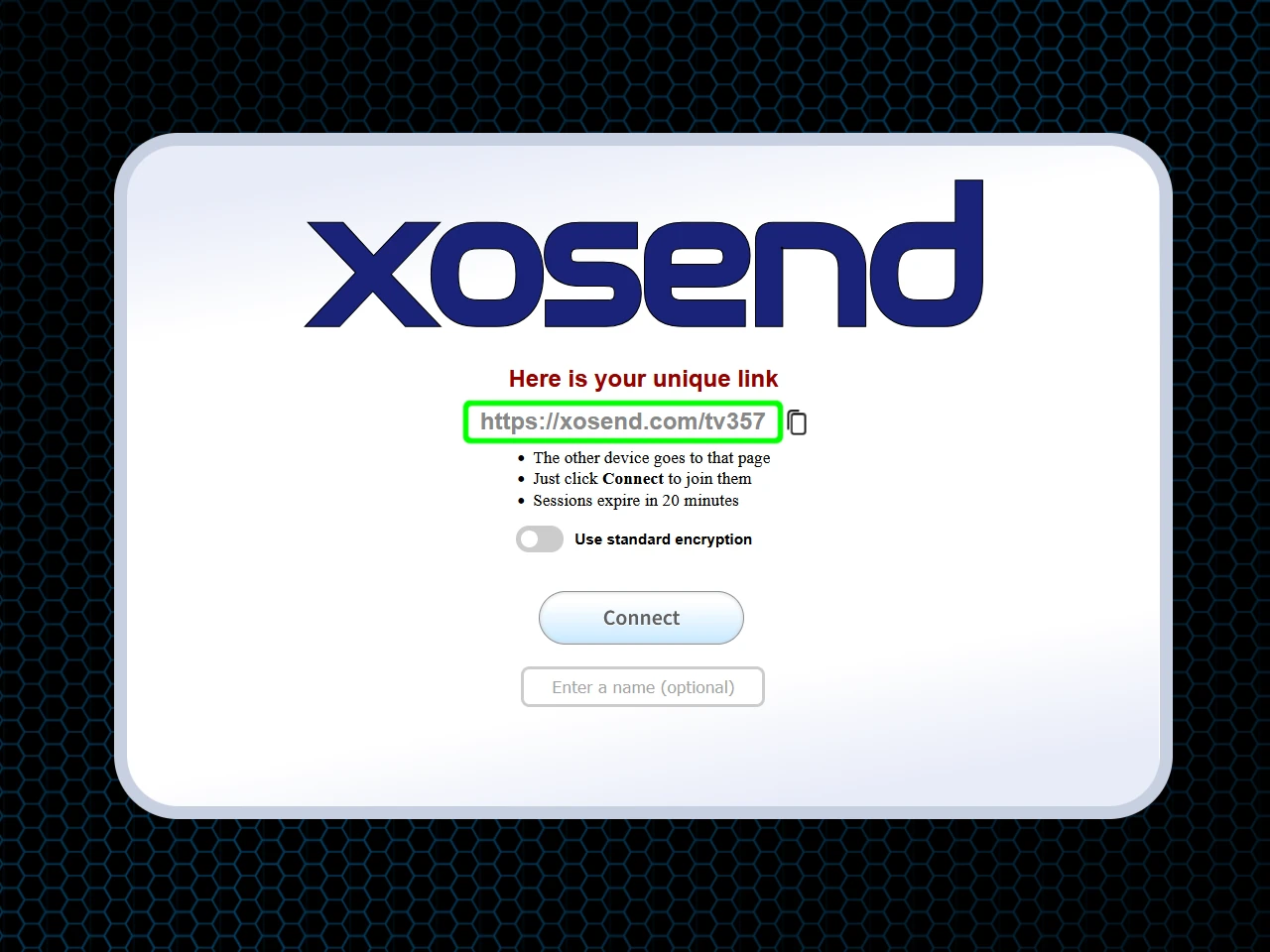
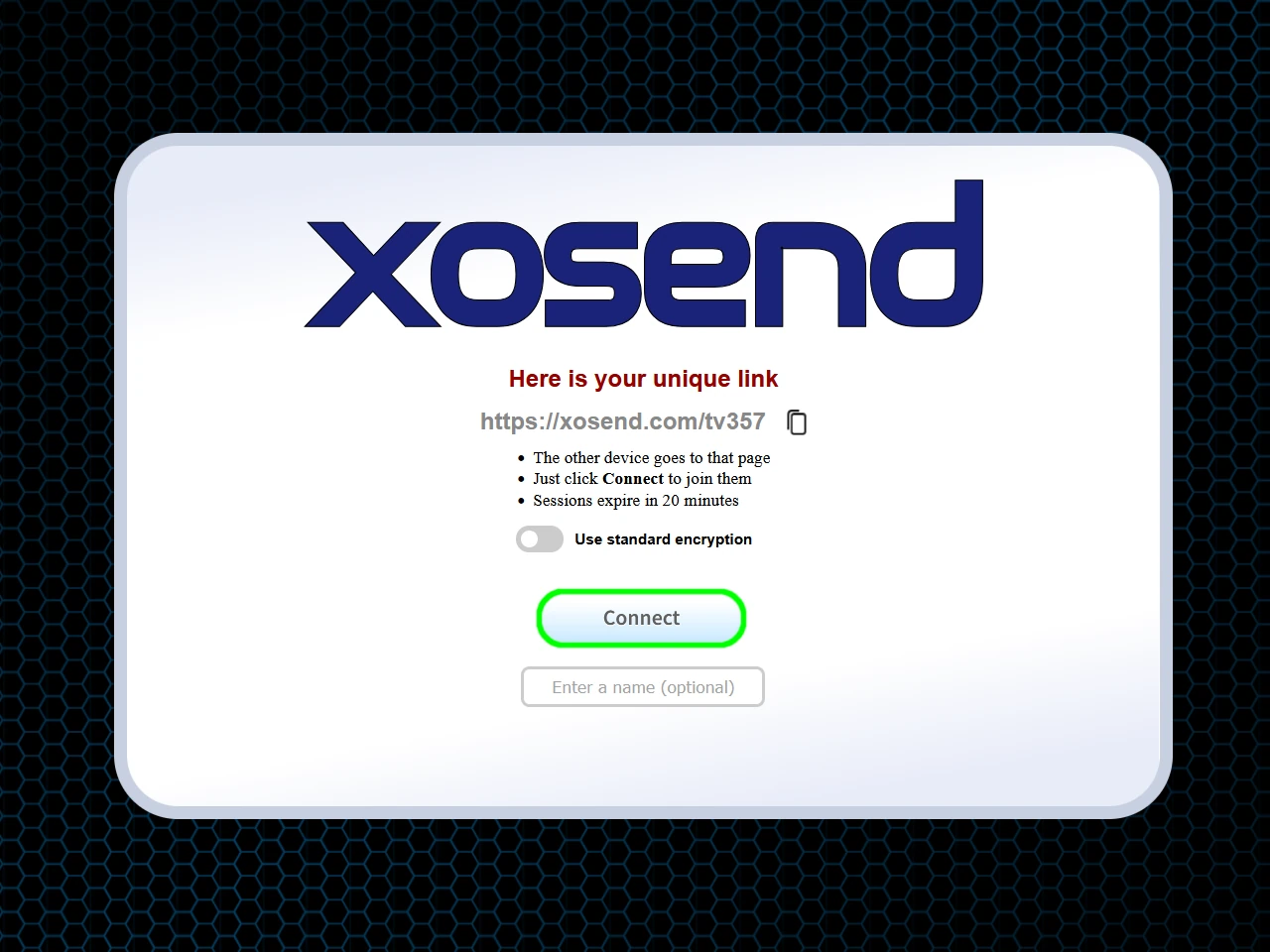
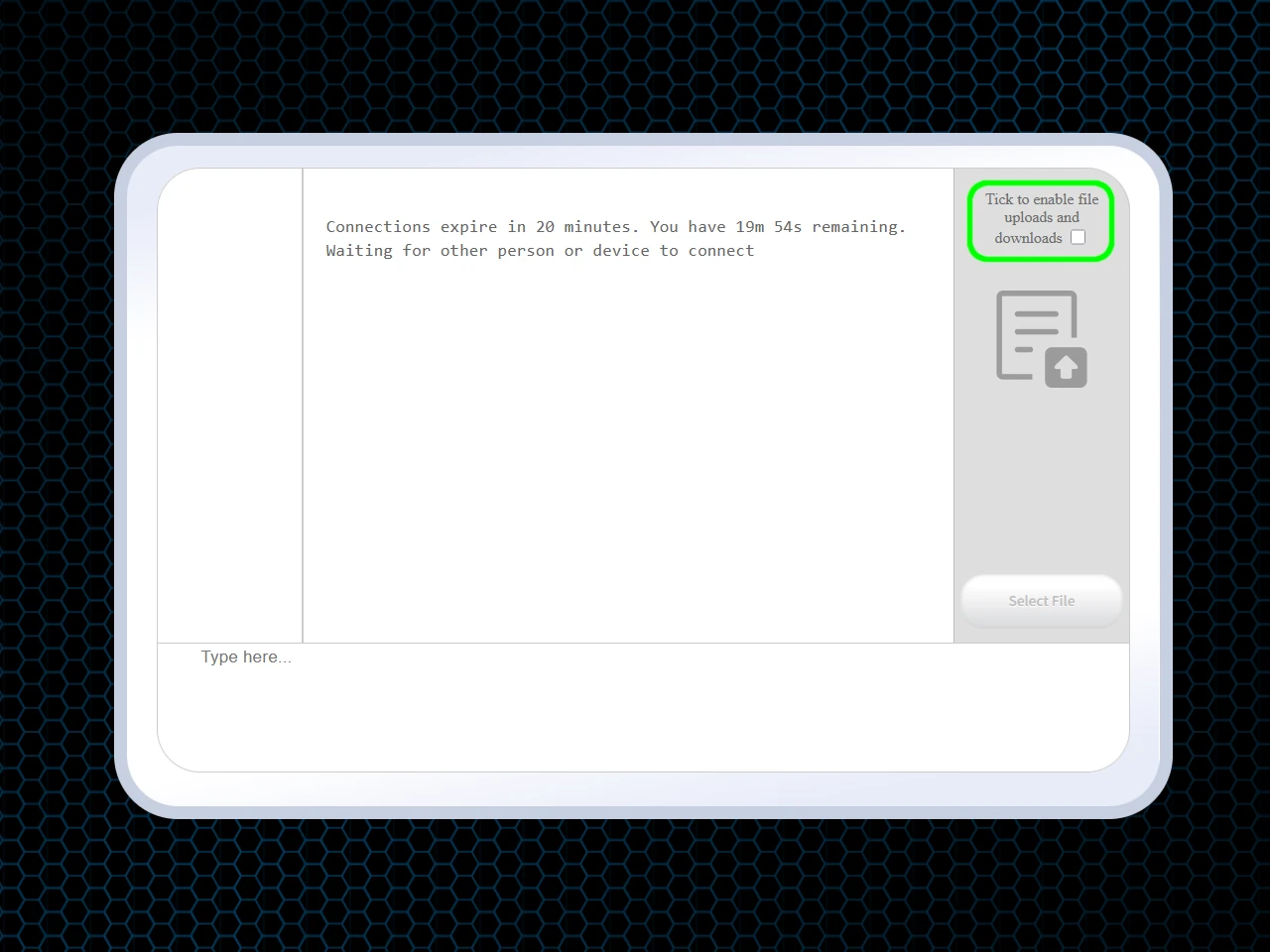
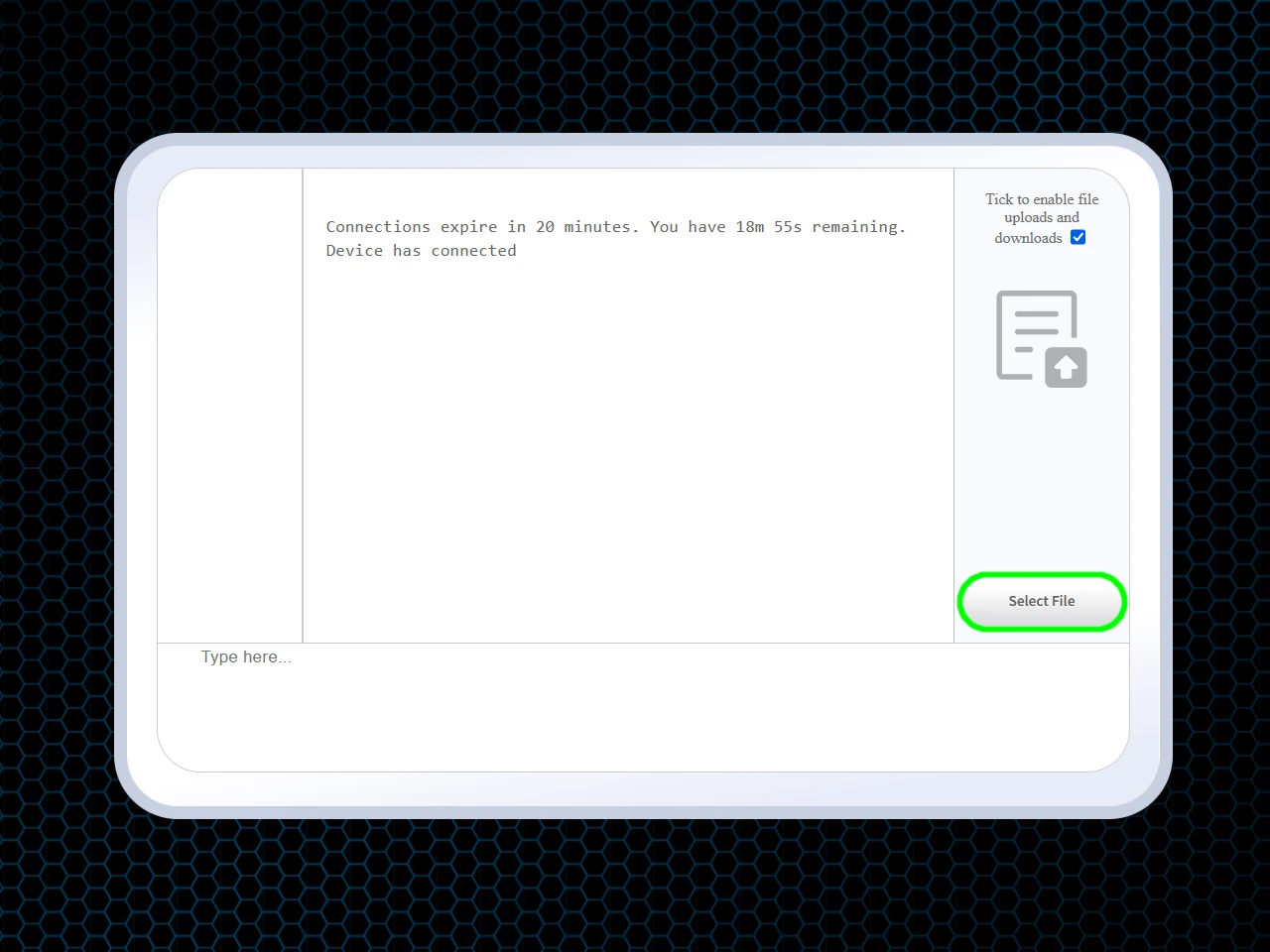
How to Transfer Files Without Whatsapp
Requirements: An Internet Connection and Any Web Browser.
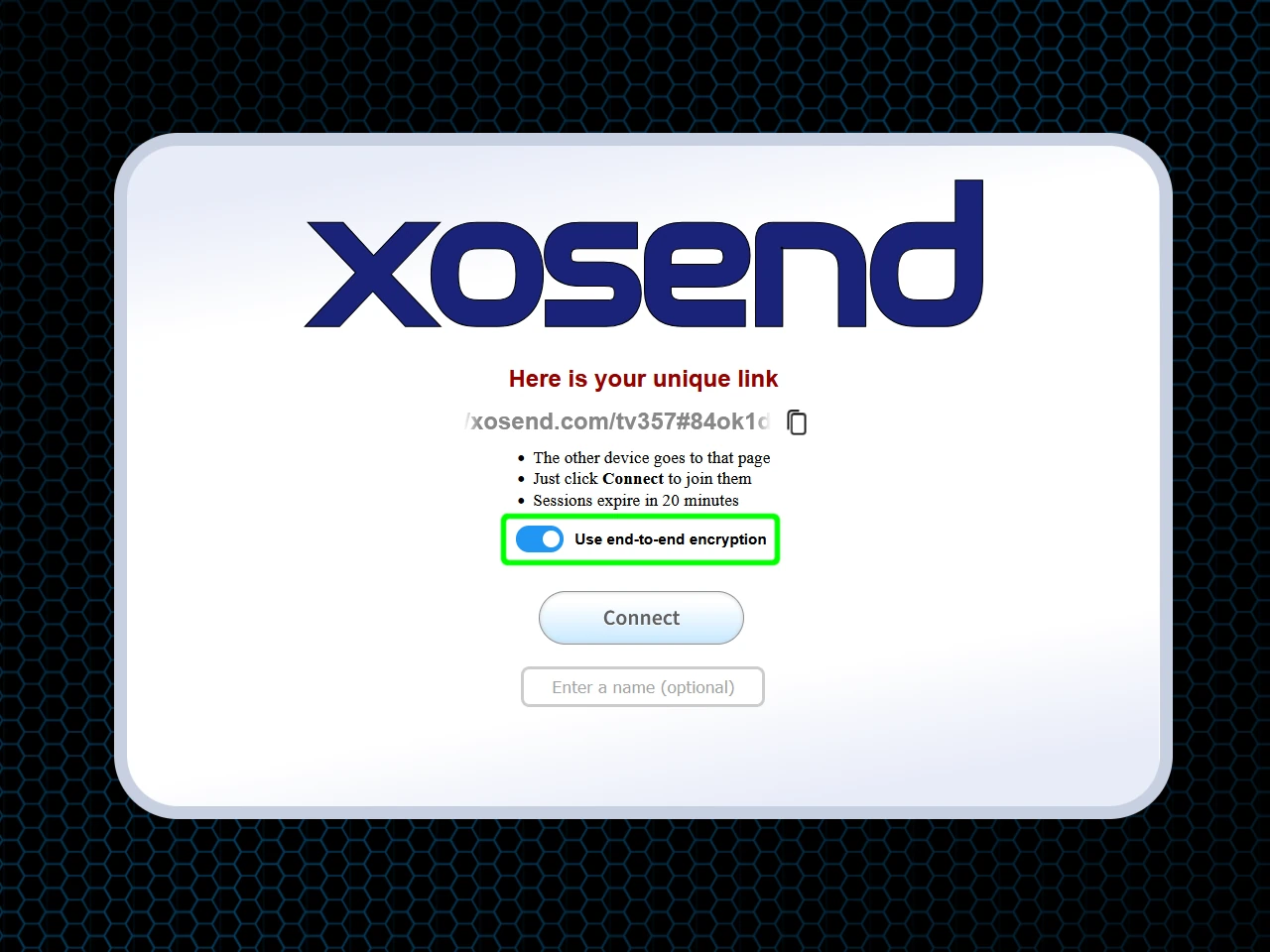
(Optional)
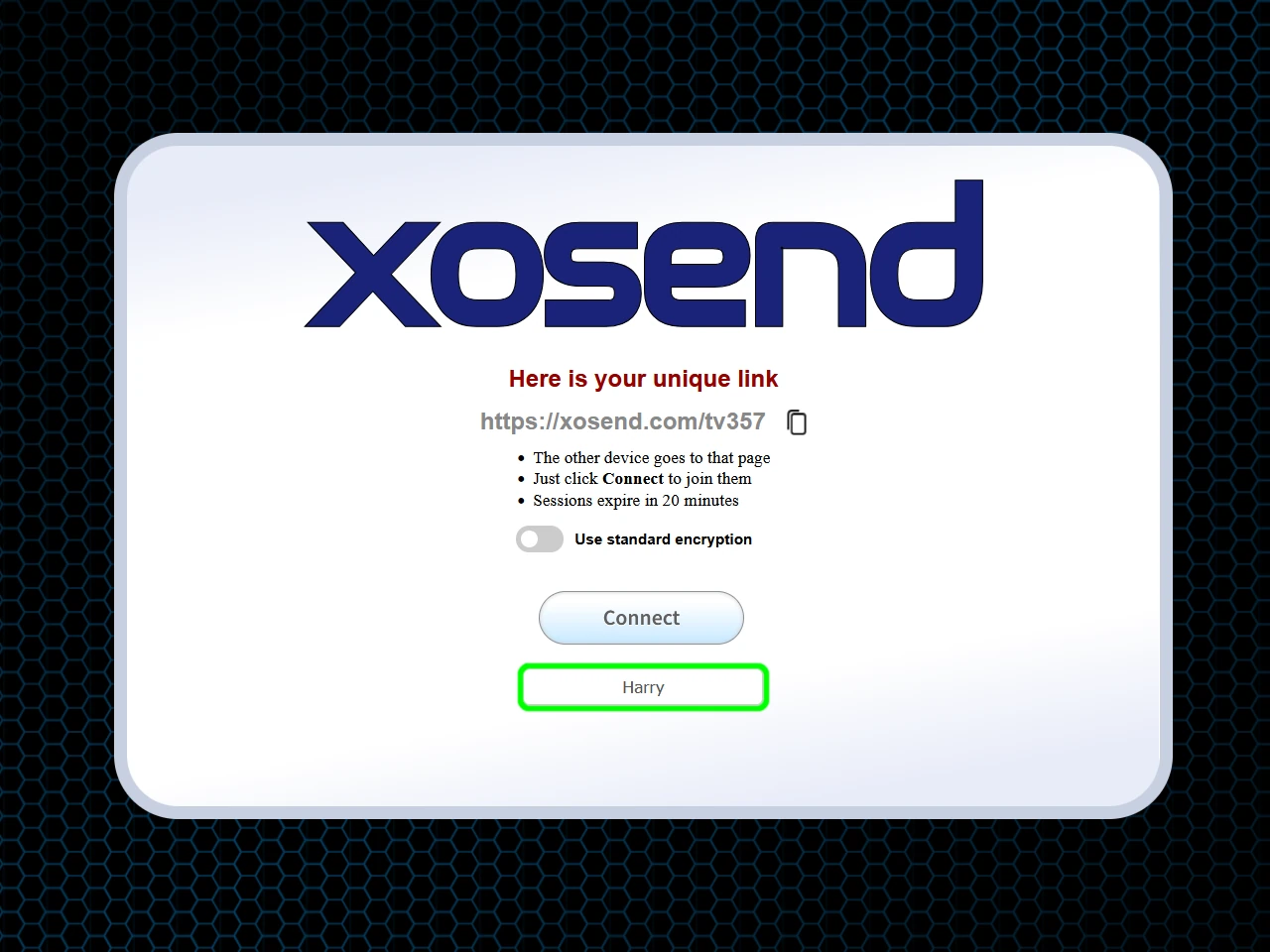
(Optional)
Frequently Asked Questions
Does WhatsApp compress files and videos?
Yes, WhatsApp automatically compresses most photos and videos to reduce file size, which lowers image quality, removes detail, and often changes the original resolution. xosend avoids this completely by transferring every file in full, uncompressed quality.
That means every file arrives in full, original quality - no compression, no re-encoding. What leaves your device is exactly what arrives on the other side, making it ideal for anyone who wants to preserve sharp photos, high-bitrate videos, or unmodified 4K footage.
How can I send files larger than 2GB?
WhatsApp imposes strict file-size limits which makes sending large videos, images, or backups impractical. But xosend is built to handle very large files without those limits.
When both devices are on a fast local network, modern Wi-Fi can transfer several gigabytes a minute, and xosend is designed to take full advantage of that bandwidth. The only limit imposed by xosend is the the 20-minute session cap.
Within that window, xosend will push data as fast as the network allows, using either a direct peer-to-peer connection if your network allows it, or its encrypted relay as a fallback. This makes it a practical way to send multi-gigabyte videos, archives, or project files without relying on cloud storage or chat attachments.
Are my files private if I don't use true end-to-end encryption?
True end-to-end encryption is the gold standard. For convenience and accessibility, most messaging apps use simplified versions of it, and for everyday use that's almost always good enough. But that convenience comes with trade-offs: the service often handles the encryption keys for you, stores metadata, and can leave you exposed to man-in-the-middle attacks if you don't take the necessary precautions.
xosend takes it a step further and puts you firmly in control. By activating AES256 security, the encryption key is created on your own device. It's never stored, never synced, and never handed to the server. It's replaced every session, leaving no message history, no cloud storage, and nothing persistent that can be accessed later.
With xosend's enhanced encryption option, the server never sees the encryption key, and there is no long-term identity key to compromise.
More Ways to Use xosend
-
Transfer files to a public computer
Let's look at the safe, easy way to get your files onto a library, college or hotel PC.
-
The universal solution for tablet-to-phone file transfers
Sending files between different tablets and phones can be a pain. But with xosend it's easy.
-
How to send files from iPhone to Android
Cross-platform file transfers are hassle-free with xosend. Best of all, it works on pretty much every make and model.