
How to Transfer Files Wirelessly (No Cable Required)
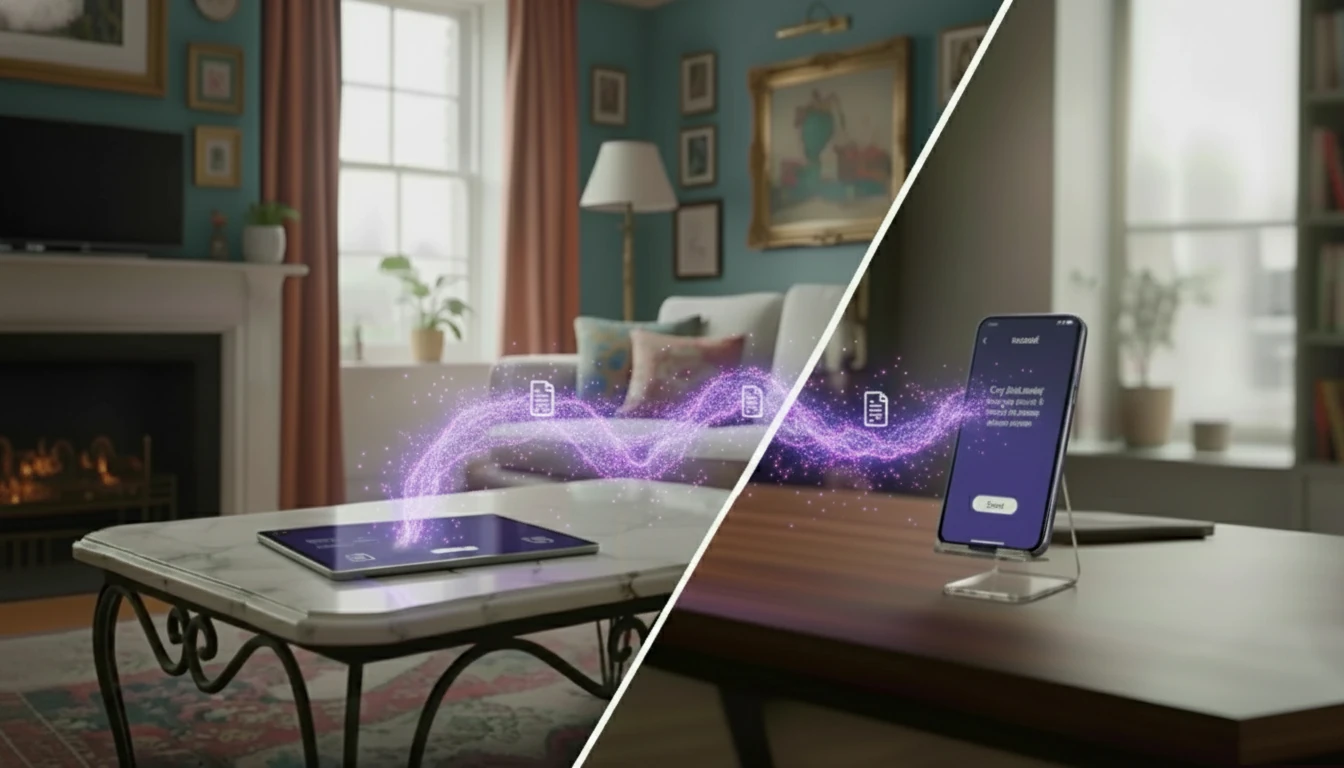
Cables used to be the obvious way to move photos, videos, and documents. But as devices have become more sophisticated, annoying problems have crept in:
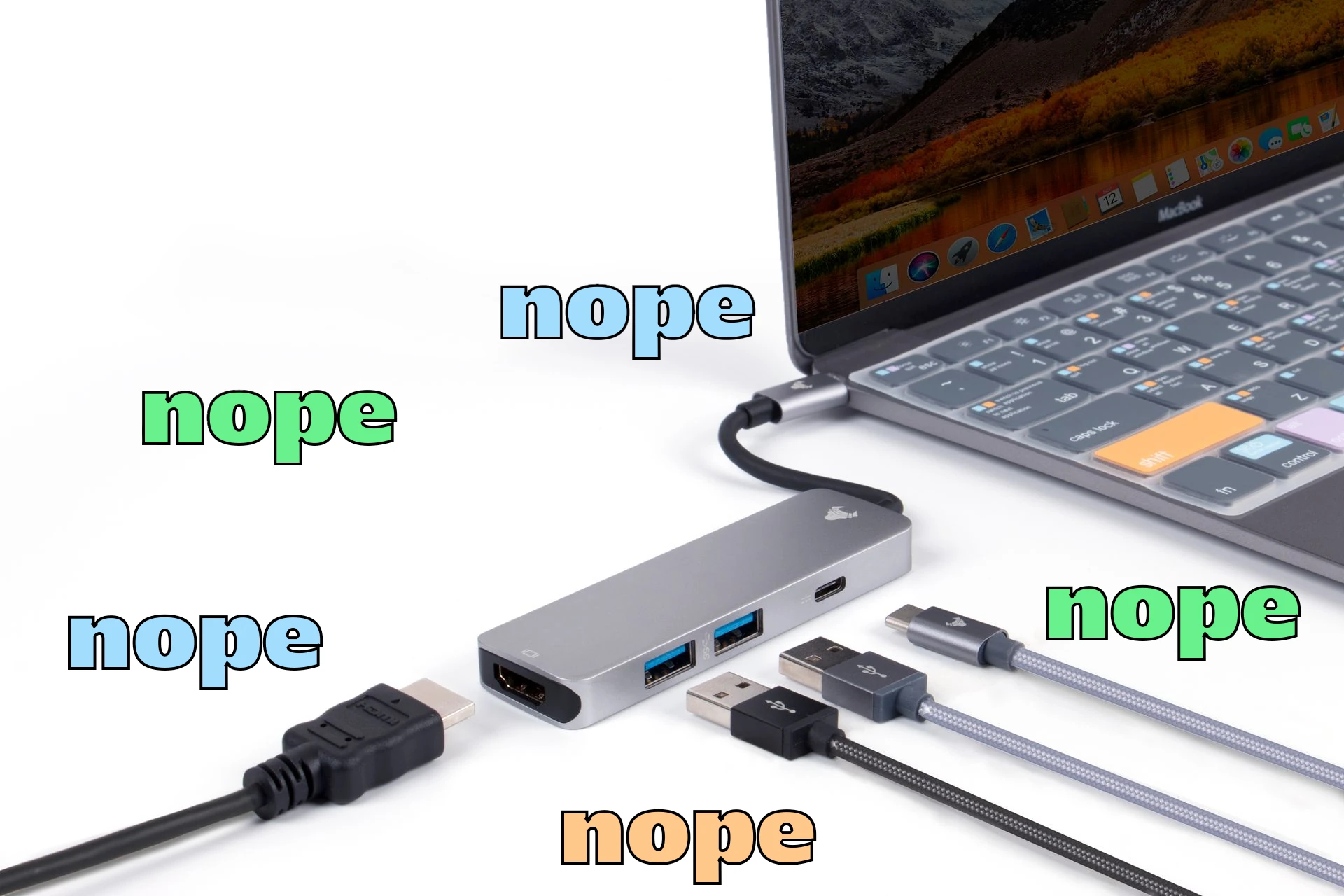
- Compatibility - You need the correct type of cable or an adapter.
- Cable quality and type - Some cables are only made to charge your device and aren't able to transfer data.
- Low quality, slow speed - Cheaply made, low quality cables and older USB versions can lead to painfully slow transfers.
- Safety and security - Rogue devices are able to install malware and keyloggers on any device they're plugged into.
- Filesystem and format issues - Incompatible filesystems (e.g. FAT32 vs NTFS) can break the data you've sent.
- USB port wear and damage - Frequent plugging and unplugging can clog, loosen or damage device ports.
Transfer files without a cable between any device using xosend.
Why You Should Stop Relying on Data Cables
Maybe you lost it or just forgot it. Maybe you lent it to someone else, picked up the wrong one or it's broken. It all means the same thing: a simple task just got harder.
Transferring a file between devices should be as easy as copying and pasting it into another folder. So that's what xosend does: make it easy for you to transfer files wirelessly using your browser without the need for cables, apps or accounts. Any device with a modern browser can be connected, so you don’t need to match your USB-C to Lightning cable, find a port, plug in a hub, or search for essential cable you've lost or mislaid. It turns a time-consuming chore back into a simple task.
xosend establishes a secure data channel between the two devices by utilising WebRTC, a communication and security protocol available in every browser. If both devices are on the same Wi-Fi network, a direct device-to-device connection is setup. If not, xosend negotiates the best route. And to ensure a connection can be made under any circumstances, our relay servers are there as a backup if your network is unable to connect another way. Transfers are encrypted by default, and unlike most well-known apps, we provide true end-to-end encryption.
Here are some more ways to quickly send files online.
Common Problems with Wired File Transfers
There are other problems aside from the inconvenience of needing to plug-in a cable. Cheap or mislabeled cables often omit the wiring needed for data, so a quick plug can turn into a long wait while nothing transfers. Even worse, wired connections can cause serious damage your devices.
Repeated insertion and removal wears down port contacts and can bend pins, creating repair bills or permanently unusable devices. All of this adds friction and wasted time. What should be a 10 second task becomes an unnecessary chore that interrupts your workflow when you're trying to focu on something more important.
Security Benefits of Transferring Data Wirelessly
Compromised cables (i.e. hacking devices disguised as normal cables) can be used to install malware, harvest credentials, or run keyloggers the moment a device is connected. Attacks like "juice jacking" exploit charging ports to push malicious code or extract data, and rogue peripherals can present themselves as trusted devices while carrying harmful firmware.
Browser-based transfers remove that physical attack surface by avoiding direct USB access. They rely instead on standard browser security models, encrypted channels, and explicit user consent for each transfer. With xosend, multiple layers of security mean all you need to do is double-check you've connected to the person you wanted to.
Explore other ways to transfer files wirelessly between any devices.
Why xosend is the Best Way to Transfer Files Without a Cable
xosend makes moving photos, videos, and documents as simple as copy-and-paste with no need for cables, adapters, or troublesome ports to get to. It uses your browser and WebRTC to create a secure, device-to-device connection that just works across phones, tablets, and laptops.
- Easy, cable-free transfers - No hunting for the right cable or waiting for slow USB versions; xosend uses direct device-to-device connections when possible so your data moves quickly and reliably.
- Safer than plugging in - Avoid the physical exposure that unsafe and insecure USB cables can present. Every transfer is negotiated in the browser and end-to-end encrypted by default.
- Less wear and tear - Going cable-free prevents the reapeated plugging and unplugging that loosens contacts, bends pins, and grinds lint into ports. It also spares cables, adapters, and device connectors from fraying or breaking, thereby extending the lifespan of phones, tablets, laptops, and peripherals.
Cable-free Transfers with xosend
| xosend | Using a cable | |||
|---|---|---|---|---|
| Compatibility | Universal compatibility, works on any device with a browser. | Requires the correct cables or adapters. | ||
| Security & Privacy | End-to-end encrypted transfers with no USB attack surface. | Exposes devices to keyloggers and malware. | ||
| Speed | Determined by your network speed and configuration. | Determined by cable quality and USB version. | ||
| Device Wear | No physical connection; preserves ports, pins, and cable life. | Frequent contact clogs ports, bends pins, and frays cables. | ||
| Time & Effort | Connection takes just two clicks. | Requires cables and adapters to be present and plugged-in. |
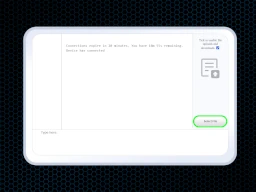
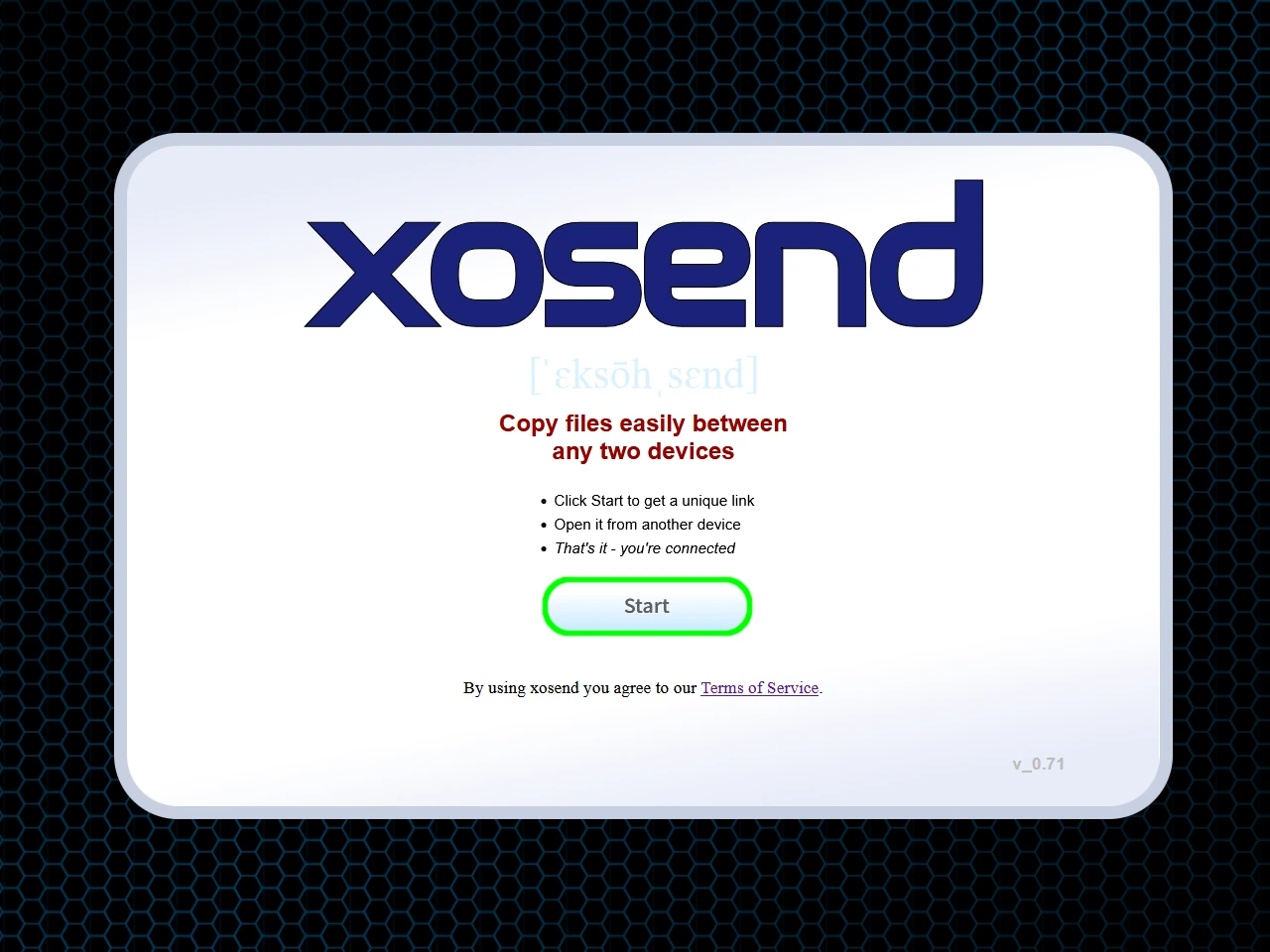
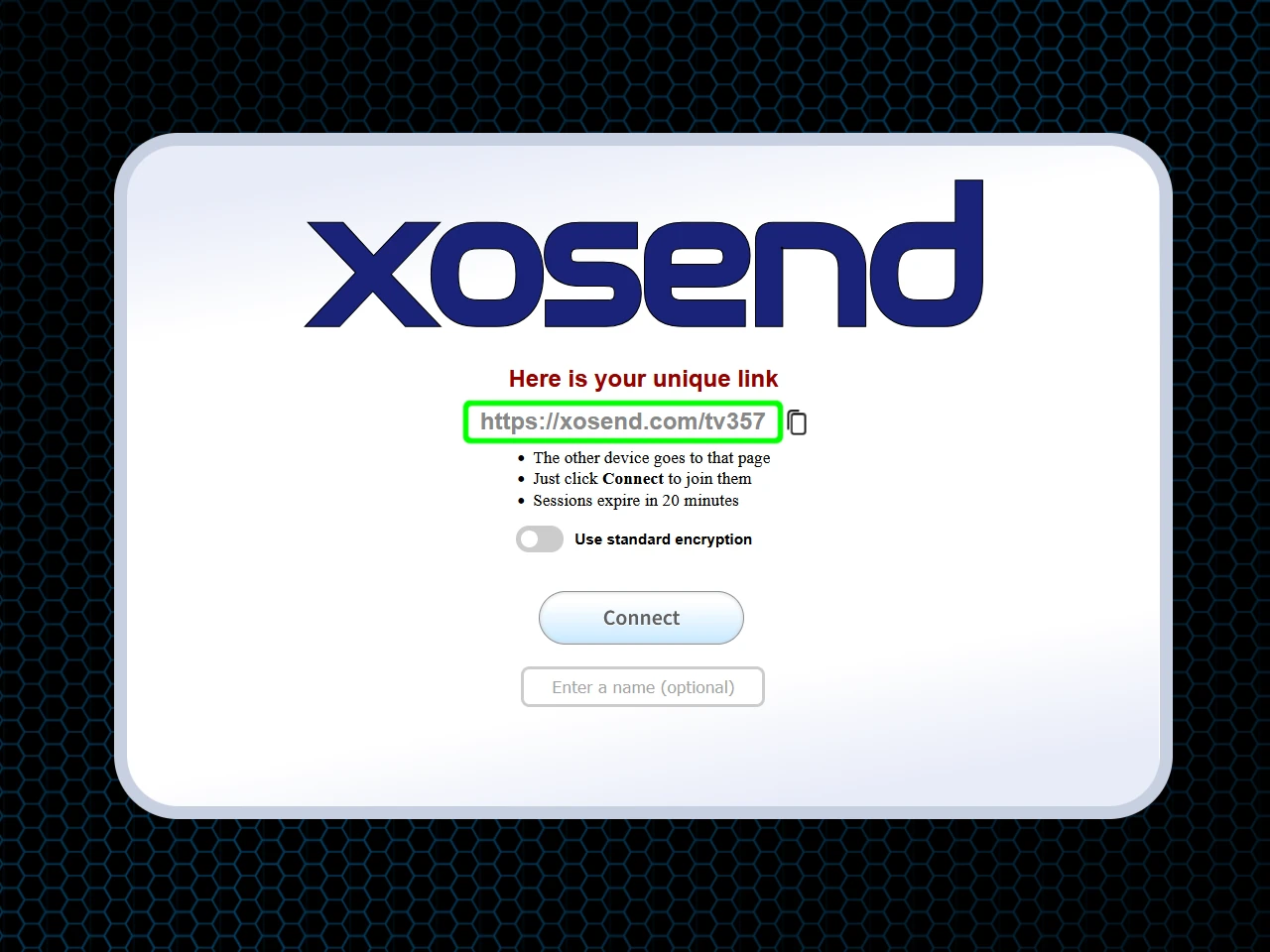
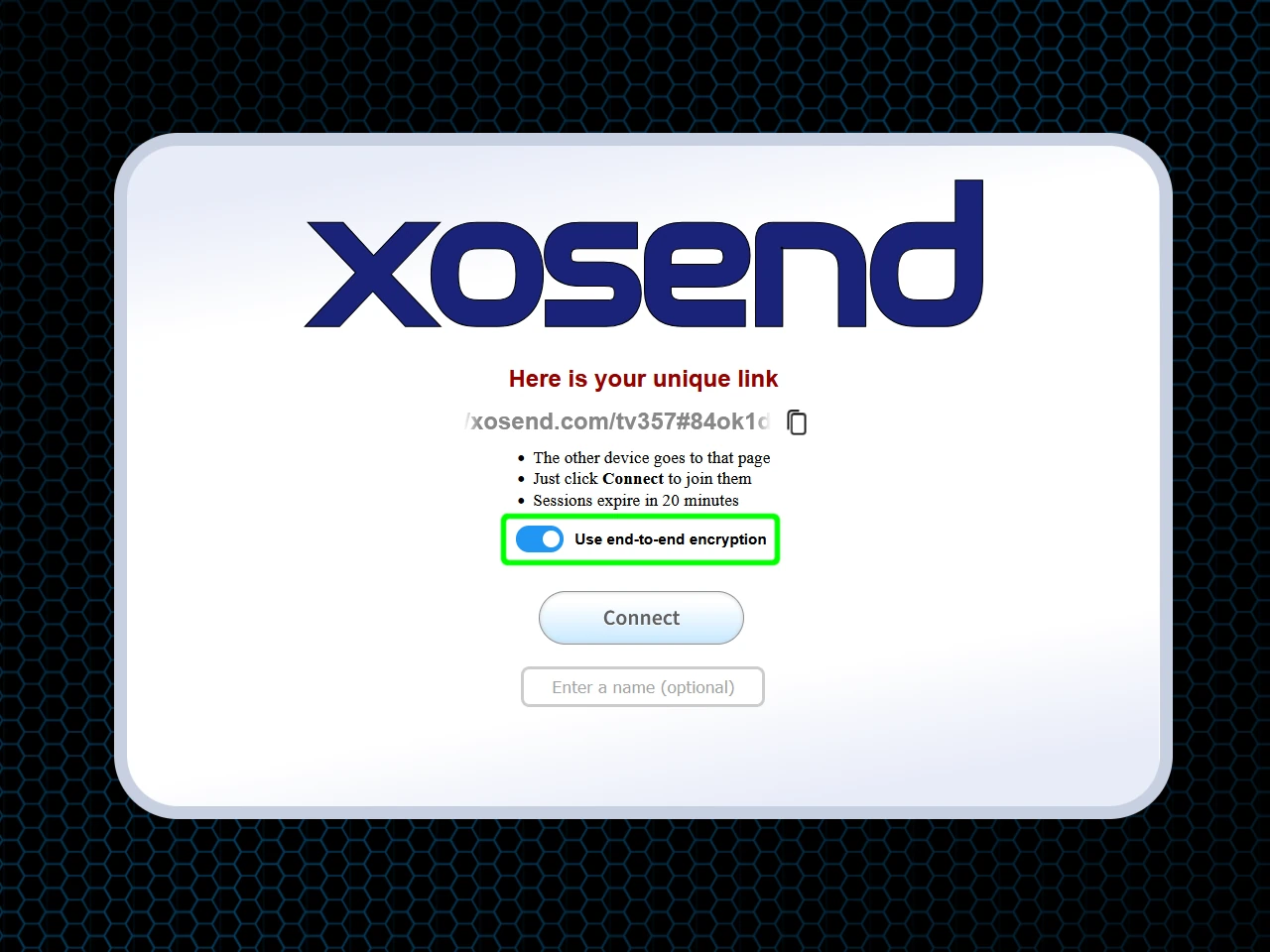
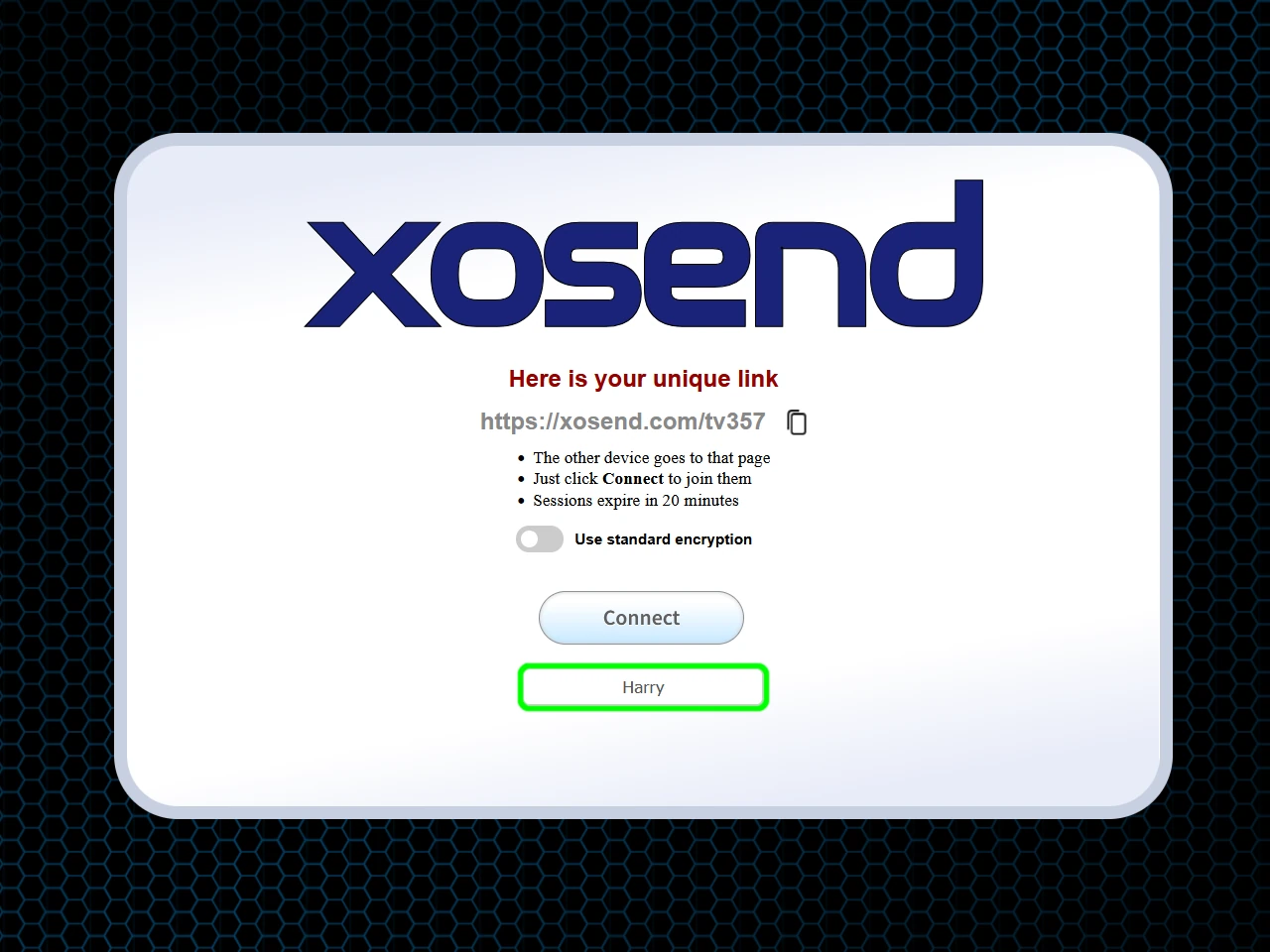
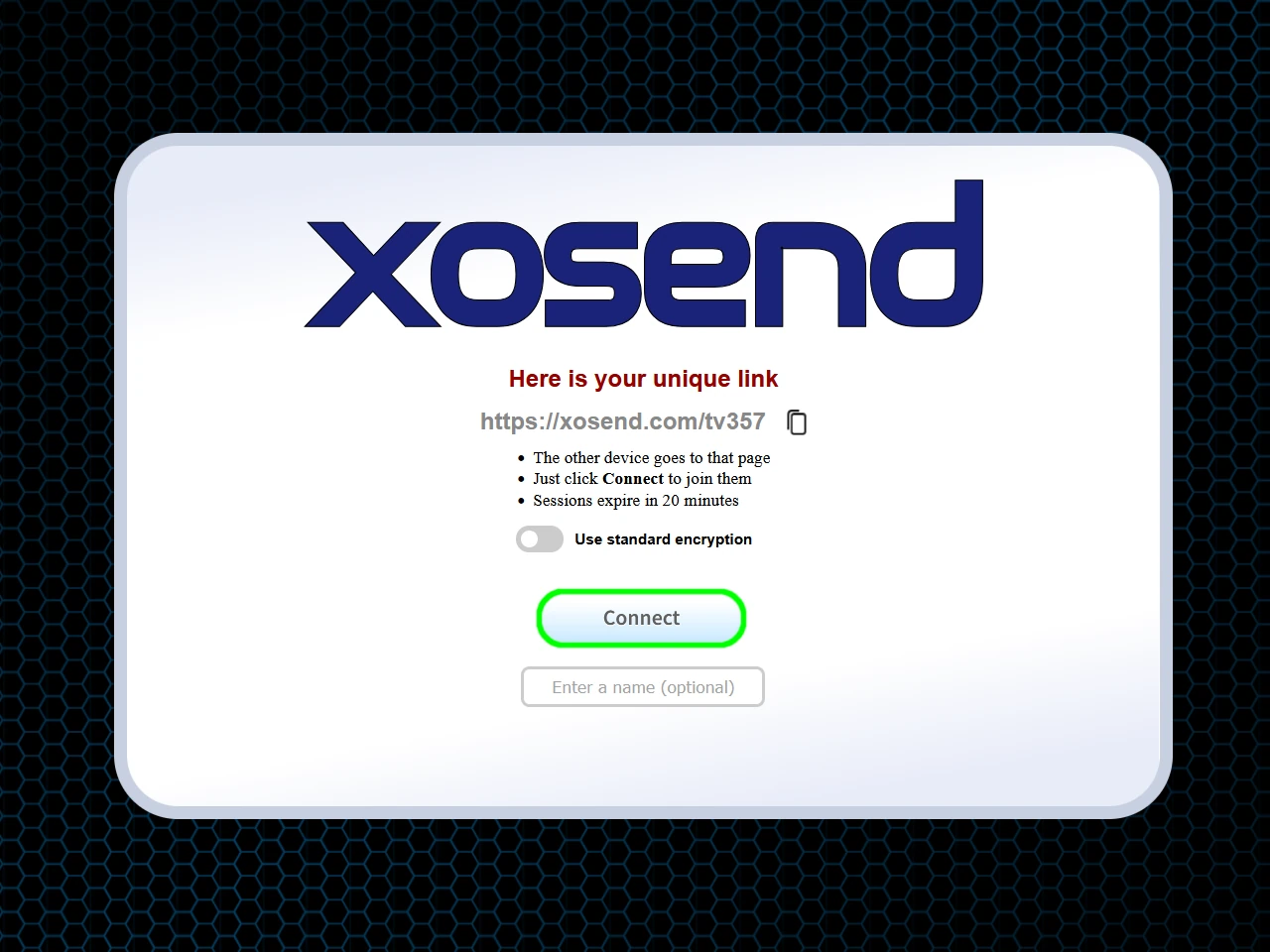
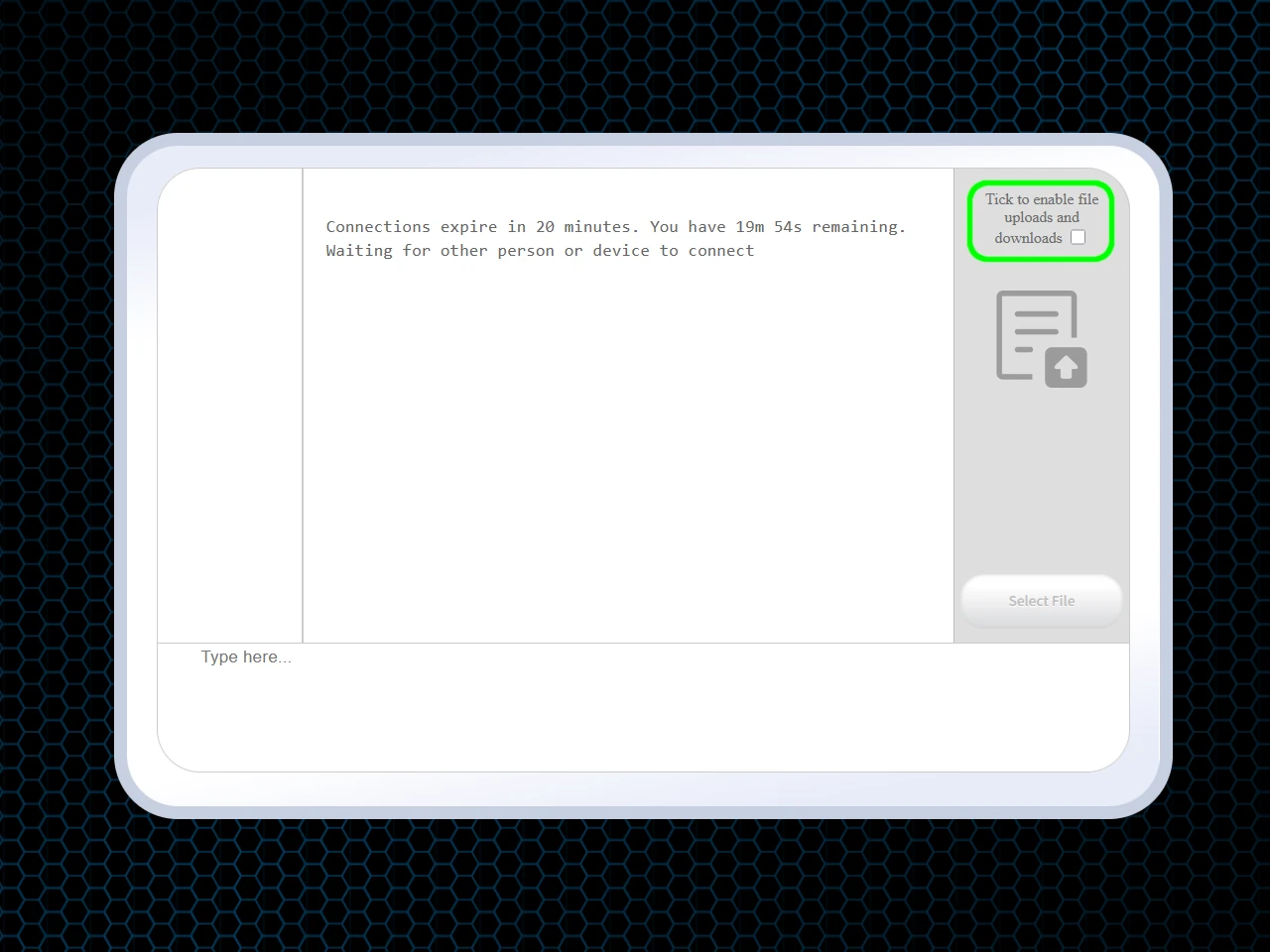
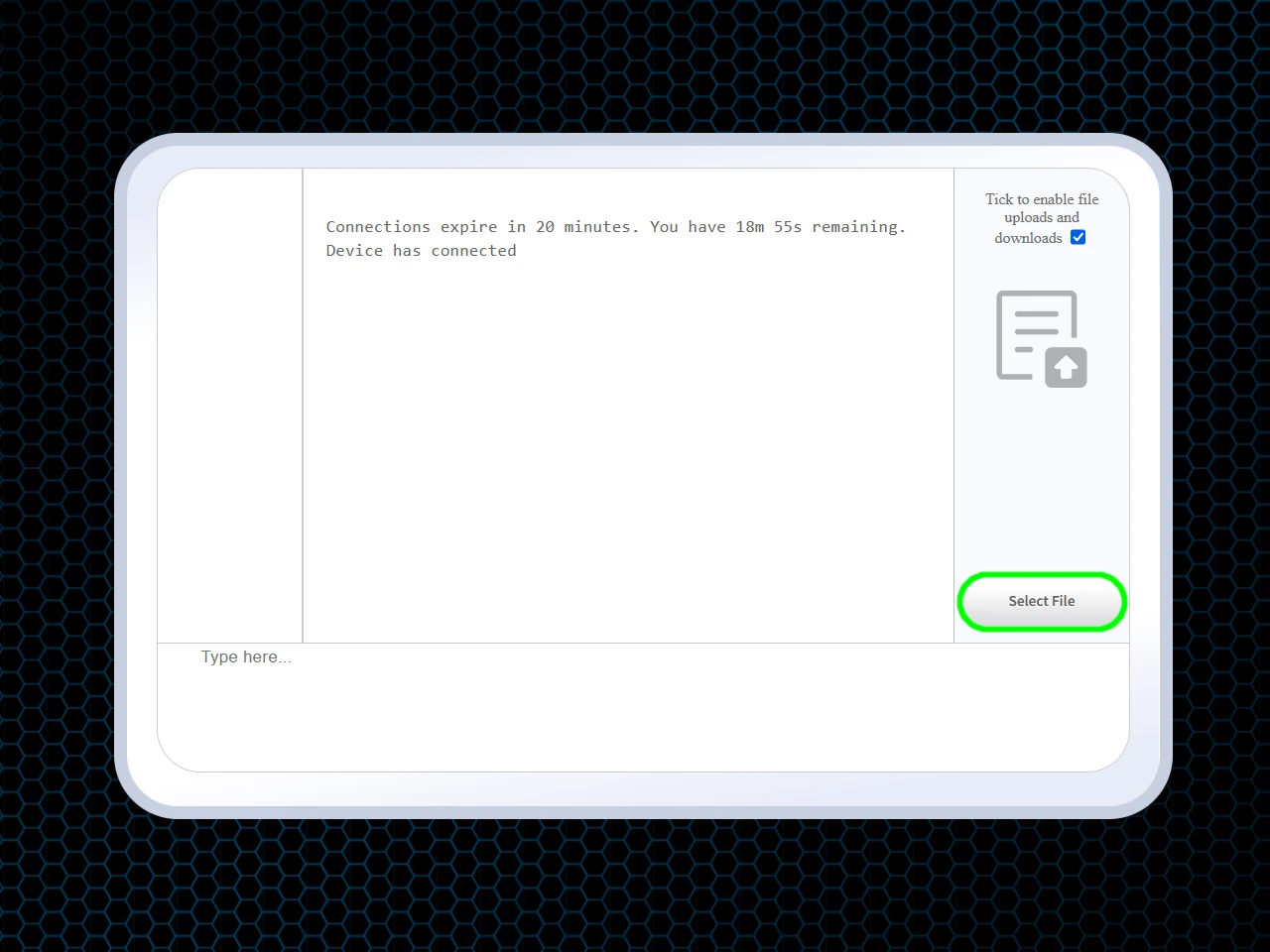
How to transfer files without a cable
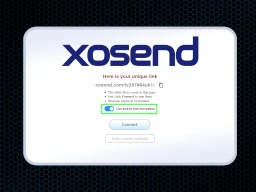
(Optional)
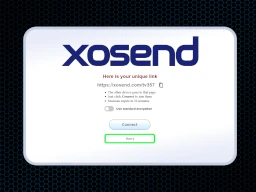
(Optional)
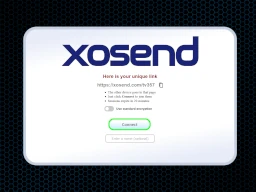
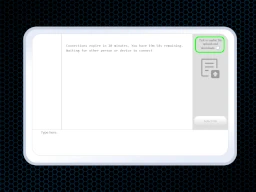
Frequently Asked Questions
How can I transfer files if my phone's charging port is broken or busy?
If your charging port is damaged or already in use, you can still send files wirelessly.
xosend works entirely through your browser, so no cable is required. Just open xosend.com on both devices, generate a secure link, and transfer files instantly. This is especially useful in emergencies when plugging in isn’t an option.
Is a wireless transfer slower than using a USB cable?
USB cables can be fast, but they depend on cable quality, port compatibility, and drivers. Wireless transfers with xosend typically match or exceed everyday USB speeds for photos, documents, and videos.
For very large files, performance depends on your Wi-Fi or mobile data connection, but you avoid the hassle of cables, drivers, and port wear. For local device connections xosend is only limited by the speed of your network, and can typically transfer several gigabytes a minute.
Do I need a special router or high-speed Wi-Fi for wireless transfers?
No special hardware is required.
xosend is built to work with any standard internet connection, on modern and older devices. Whether you’re on home Wi-Fi, public Wi-Fi, or mobile data, xosend establishes a secure peer-to-peer link or uses fallback relay servers if needed. This means you don’t need a high-speed router or advanced setup, just a working internet connection.
More Ways to Use xosend
-
Send files from your tablet to any phone (iOS, Android, Windows)
Wirelessly send files between different devices with xosend. You don't need an app or an account.
-
AirDrop alternative that works online
You don't need to be in the same room to send a file to another phone with xosend, and it works with Android too.
-
The online alternative to LocalSend
You don't need to be on the same network to transfer files between devices with xosend.