
The AirDrop alternative that works online
AirDrop is great when you have two Apple devices and they're both nearby. But if you're trying to send a file to someone over the internet, its local-only, platform-locked design turns a simple task into a headache. Copying a file from one device to another should be as easy as copying it to another folder, so why isn't it?
We'll take a look at the main reasons in this guide, and explain how xosend removes these barriers for good.
xosend is a browser-based alternative to AirDrop that lets you send photos, videos and documents easily to any device, anywhere.
 If you want to know more about how xosend makes file-transfers easier, let's look at the most frustrating problems we encounter when trying to use AirDrop to send a file.
Comparing features of xosend and AirDrop
| xosend | AirDrop | |||
|---|---|---|---|---|
| Any-Distance Sharing | Works from anywhere, locally and online. | Both devices need to be close by to start transfer. | ||
| Android & Windows Support | Works on any device with a web browser. | Only works on the newest phones. | ||
| No App or Account Needed | App-free and account-free. | Setup as part of the initial iPhone setup. | ||
| Supports Any Device | Fully compatible with Windows, Linux, iOS, desktops, laptops and more. | Locked strictly to Apple's laptops and computers. | ||
| End-to-End Encryption | AES128 by default. Optional AES256 for true end-to-end encryption with out-of-band signaling. | Uses standard Apple encryption. |
What AirDrop Gets Wrong
- It only starts nearby - AirDrop needs Bluetooth and Wi-Fi proximity to begin a transfer. It doesn't work if devices are more than 10 meters apart.
- Cross-platform support and device restrictions - New cross-platform options are only available on the newest devices and are far from universal.
- Internet continuation is conditional - Some transfers can continue online, but only after being started locally and with Apple account requirements met.
- Cellular fallback is limited and opt-in - Finishing a transfer over mobile data is possible but must be enabled in advance.
Here are some more ways to quickly send files online.
AirDrop Isn't Really Online
We expect file sharing to be simple: pick a file, pick a device, hit send. AirDrop can do that in a very narrow set of circumstances, but that convenience quickly disappears the moment distance, account settings, or device type get in the way.
- The Digital Wall: Having to be physically close to start a transfer is awkward; you can’t send a photo to a friend who’s across town, or move a document to your own phone at home from your office PC without some other method. That “local only” restriction becomes a barrier between online devices, and it doesn't need to.
- Short-range design: AirDrop can continue a transfer over the internet, but only if the transfer began locally and both devices meet Apple’s sign-in and iCloud conditions. It's a clumsy solution: sometimes a transfer finishes over Wi-Fi or cellular, sometimes it stalls and needs you to be back in range. Users end up guessing whether a file will make it through.
- Limited Cellular Fallback: Cellular fallback helps in a pinch, but it’s not something you can count on. It has to be manually enabled, it can chew through your data allowance without you knowing, and it still won’t let you initiate a transfer to someone who isn’t nearby. If you're someone who travels, works remotely, or simply wants to send files to yourself across different locations, these limits are a real productivity drain.

Why AirDrop Fails for Cross-Platform File Transfers
Cross-platform and device restrictions add another layer of frustration. Apple’s ecosystem is sleek, finely crafted and polished. But that polish doesn’t extend to compatibility with every device you might need to reach.
Recent moves toward broader cross-platform connectivity are promising, but they’re limited and slow to roll out. If you need to send a file to a non-Apple laptop, most Android phones, or anyone who hasn’t got one of the few supported new models, AirDrop is probably not suitable. Cross-platform reach is patchy, update-dependent, and limited to select recent flagship models.
Explore other ways to transfer files wirelessly between any devices.
Why xosend is the Best Online AirDrop Alternative
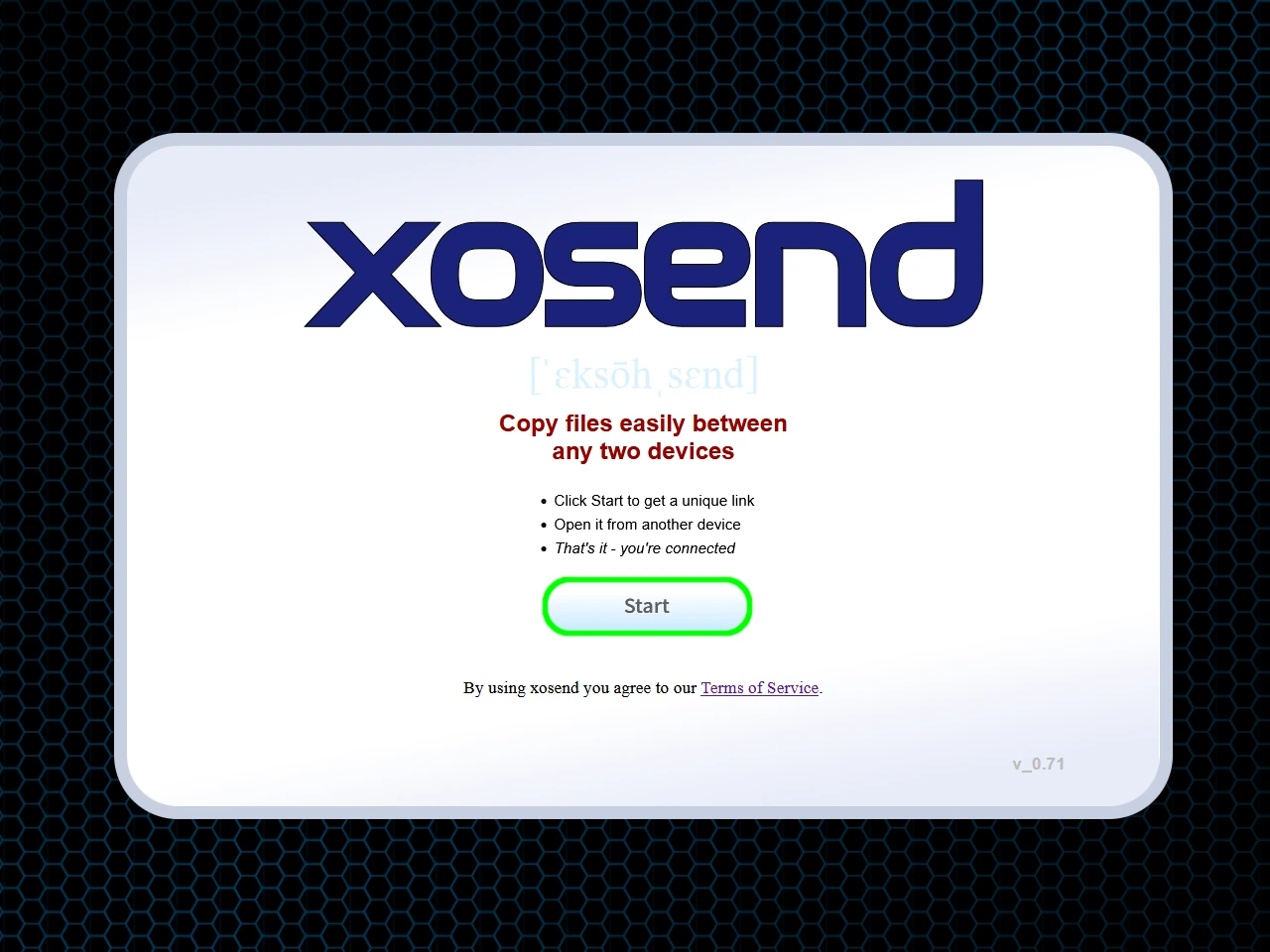
xosend was built to solve the problems that emerge when using AirDrop. So instead of requiring local discovery and restricting you to Apple's closed ecosystem, it lets you use your browser to securely connect to any other device online.
- No Local Limitations: Transfers aren't reliant on Bluetooth proximity or specific account configurations; they begin where you are and finish even if devices are separated by distance.
- Smart Routing: When local connections are available, xosend will use them for maximum speed. When they aren’t, encrypted internet transfer keeps things moving without forcing you to juggle settings or worry about data-hungry fallbacks.
- Universal Compatibility: Because it works directly in the browser, cross-platform sharing is straightforward. There are no special apps to download and no device-type guessing - just a simple, reliable way to send files whether the recipient is next to you or halfway around the world.
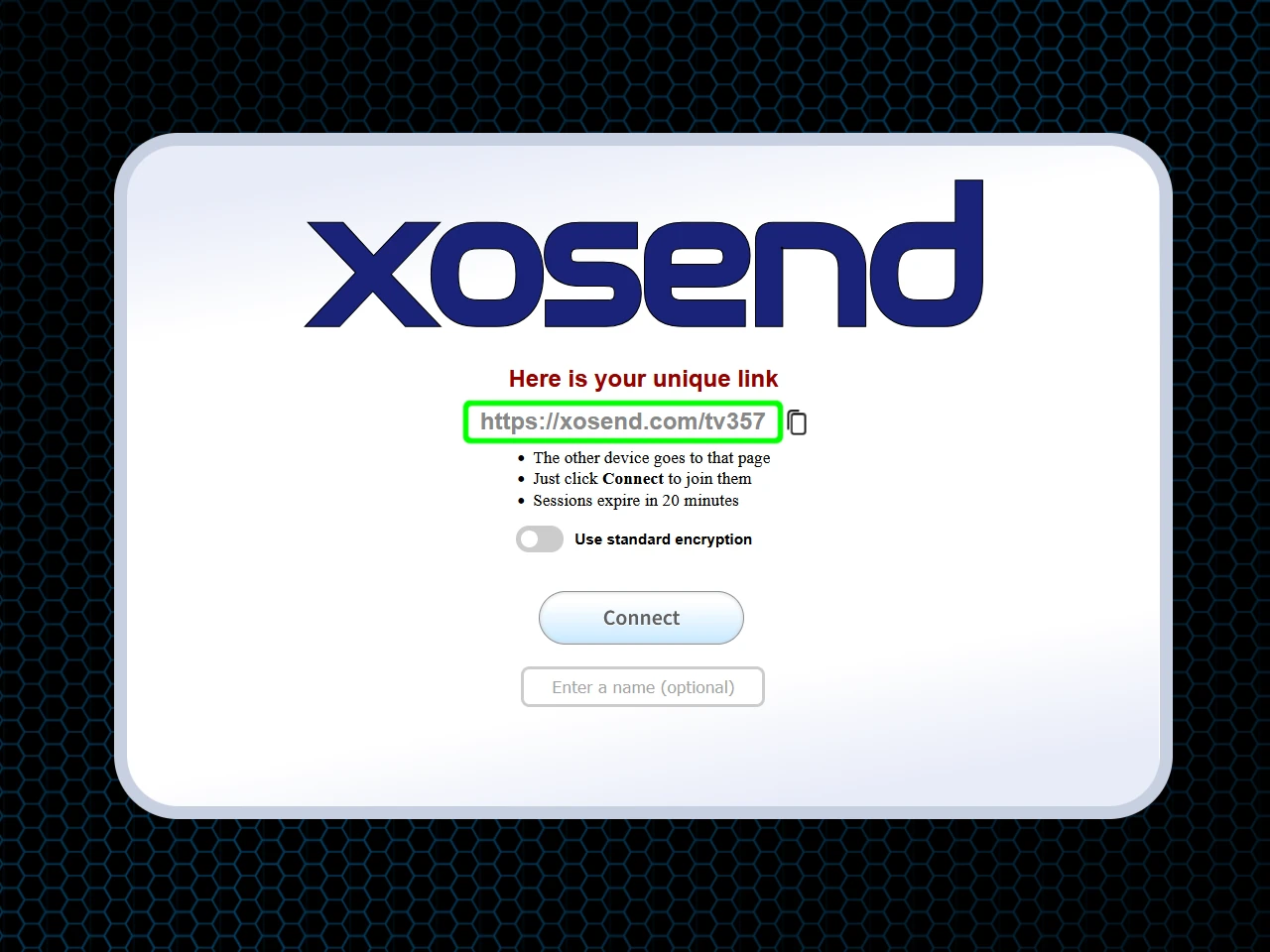
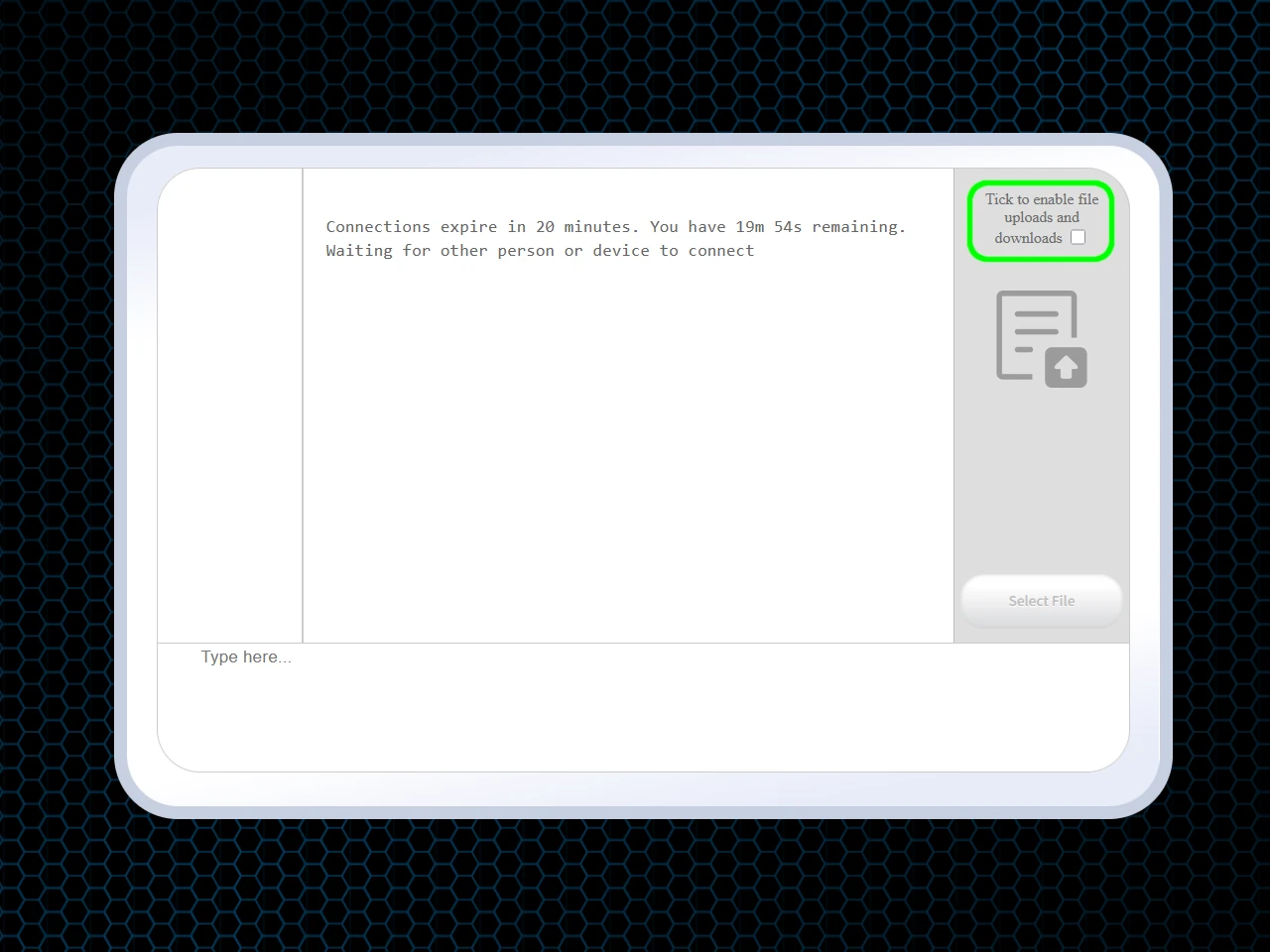
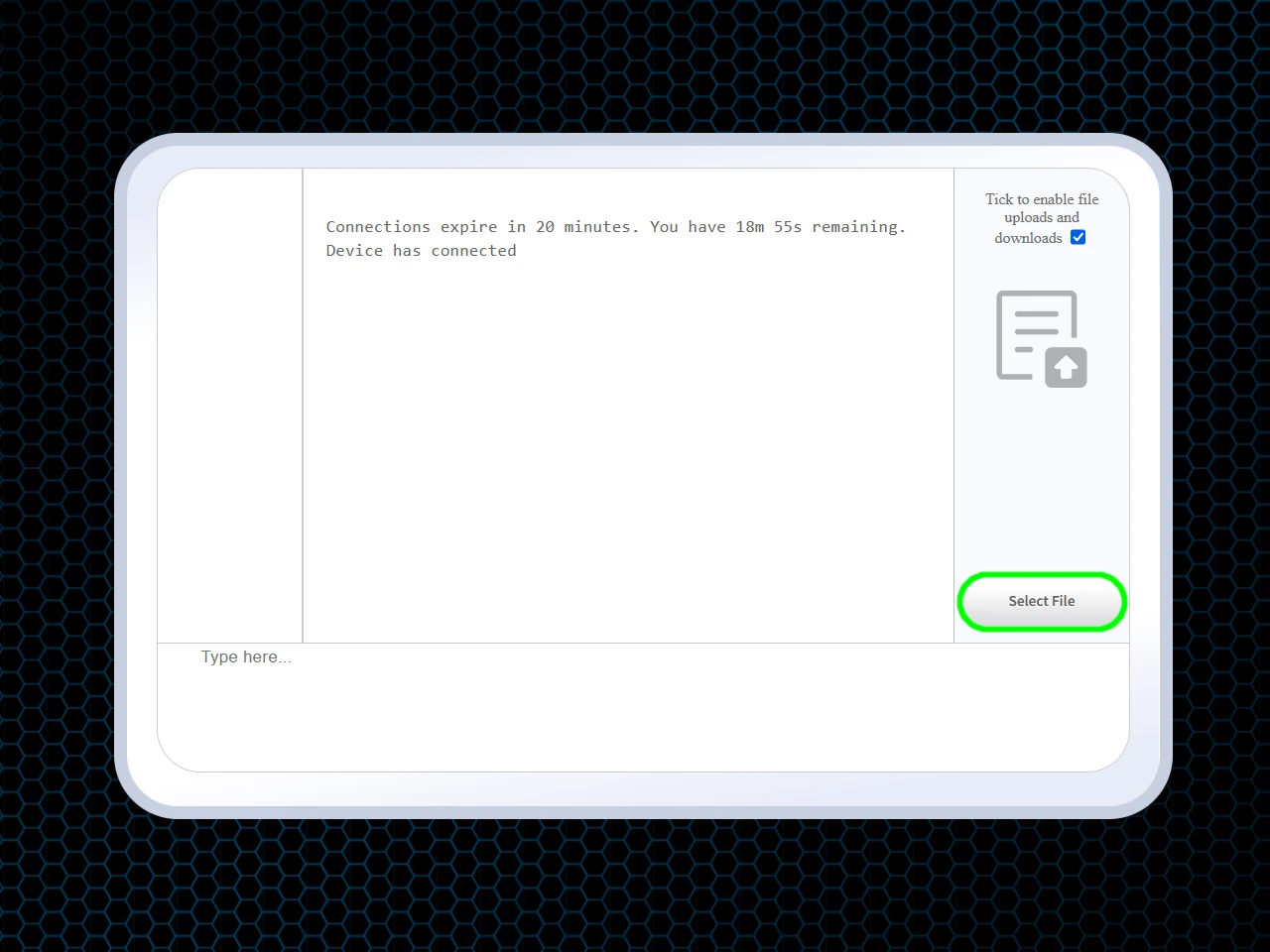
Using xosend as an online AirDrop alternative



(Optional)

(Optional)






Frequently Asked Questions
Why use an online AirDrop alternative instead of the built-in feature?
An online AirDrop alternative solves the two biggest limitations of Apple’s built-in tool: platform lock-in and short-range restrictions. AirDrop generally only works between Apple devices and requires both devices to be physically close.
A browser-based option like xosend removes those barriers entirely. It works across iPhone, Android, Windows, Linux, tablets, and desktops, and it transfers files over the internet, not just locally. That means you can send files to anyone, anywhere, without installing apps, creating accounts, or worrying about Bluetooth/Wi-Fi proximity.
Can I AirDrop from a Mac to an Android phone or a Windows PC?
Generally, no. Apple restricts AirDrop almost entirely* to its own ecosystem, so you cannot use it to send files from a Mac to a Windows PC or an Android device.
However, xosend closes this gap by providing an open, browser-based solution. By simply visiting the site on both your Mac and the target PC or Android phone, you can securely pair the devices and transfer photos, videos, and documents instantly without needing any special cables or software.
*Apple has begun allowing some Android devices to connect using AirDrop. But as yet it is only limited to the newest flagship Pixel and Samsung phones.
Does the recipient need to be nearby for the transfer to work?
Not with xosend. It does with AirDrop since it relies on local Bluetooth and peer-to-peer Wi-Fi, meaning both devices must be within roughly 30 feet (10 meters) of each other to function. But because xosend routes data securely over the internet, proximity is irrelevant. As long as both devices have an active internet connection, you can securely send files to a recipient in the next room, a different city, or an entirely different country just as easily as if they were standing right next to you.
More Ways to Use xosend
-
How to send files from iPhone to Android
Cross-platform file transfers are hassle-free with xosend. Best of all, it works on pretty much every make and model.
-
How to send files without WhatsApp
You don't need an app or account with xosend. We don't need your phone number or a list of your contacts either.
-
Transfer Files Without a Cable
Don't have the right cable to hand? You don't need it with xosend. Transfer files easily and wirelessly.