
Send files in two clicks. App-free, account-free.
iPhone➫Android Phone➫Tablet PC➫Phone Mac➫PC ...and much more
How to Transfer Files Wirelessly Between Any Devices
xosend is a universal file-sending tool for cross-platform, wireless transfers. It works on every platform (iOS to Android, iOS to Windows, or Android to Windows) and all devices including phones, tablets, laptops and desktops.
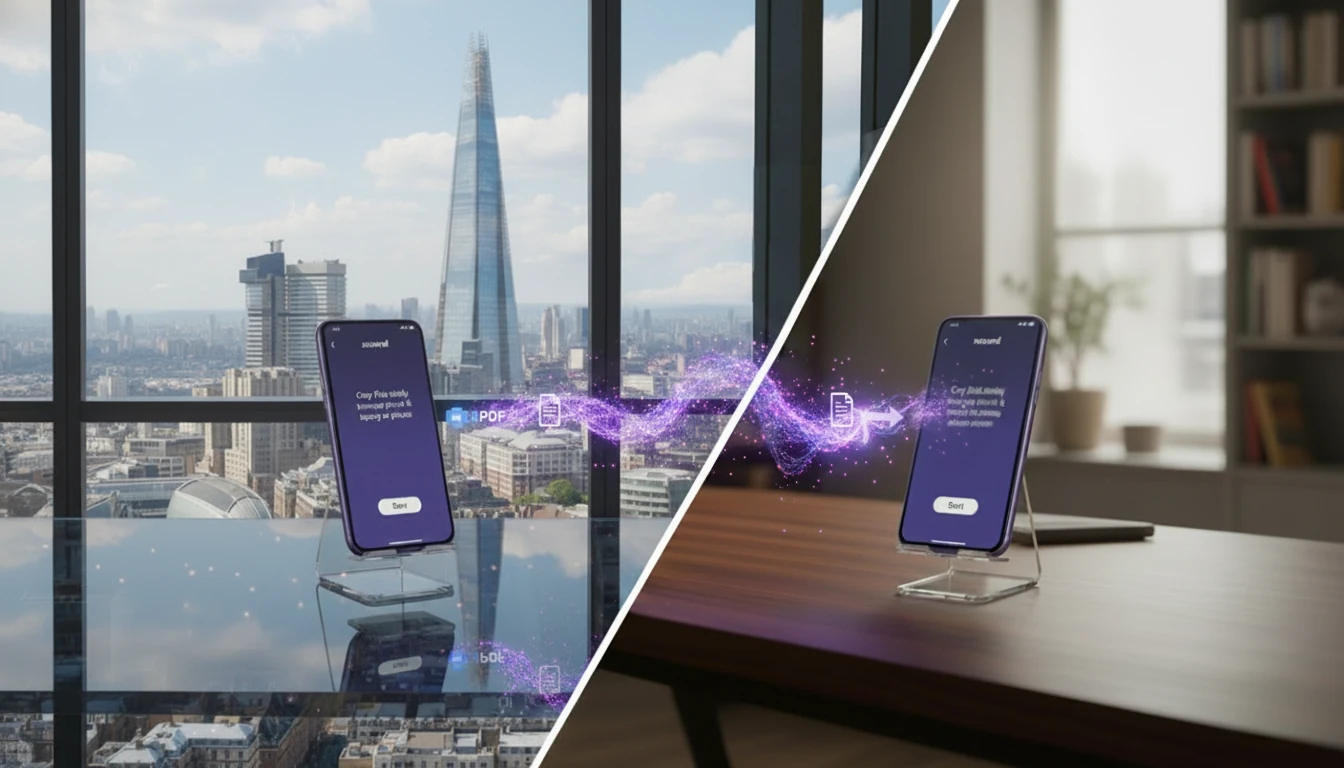
xosend works on local networks and over the internet, and best of all it doesn't require an app or account on any devices you're connecting. See how it compares to other transfer methods.
| AirDrop | xosend | |||
|---|---|---|---|---|
| Cross-Platform | ||||
| Works Online | ||||
| Same Media Quality | ||||
| No Account / App Needed |
Because it works in every situation, xosend is the universal, all-in-one file-sending solution. Instead of multiple different methods that only work in some cases, xosend provides a simple solution that makes it easy to send files whenever, wherever.
Here are some of the things it's made for.
AirDrop Alternative that's Online & Cross-Platform 🍏🪂
Tired of AirDrop failing the moment you need to send a video to a Windows PC or Android phone? Breaking out of the Apple ecosystem shouldn't mean sacrificing speed or simplicity.
For an AirDrop alternative that works online on any device, try xosend.How to Transfer Files Wirelessly Without a Cable 🚫🔌
Digging around for the right USB cord or adapter just to move a file from your phone to your laptop is a massive hassle. Go completely wireless and declutter your workflow without sacrificing transfer speed.
Use xosend to transfer files without a cable.The Best Way to Send Files Without WhatsApp 🟢🦶
Using messaging apps to transfer media ruins your quality through heavy compression, and strict size limits stop large documents in their tracks. Stop compromising on resolution just to get a file sent.
xosend is the best way to send files without WhatsApp.How to Send Files From a Tablet to a Phone 📱👈
Shuffling photos, PDFs, or design assets between your mobile devices often requires clunky cloud uploads or emailing files to yourself. Skip the intermediate steps and move your data directly between screens.
Send files easily from any tablet to phone with xosend.How to Send Files From iPhone to Android 🍏🤖
The iOS-Android gap shouldn't get in the way of sharing your files. Moving data across the iOS and Android divide usually involves frustrating workarounds or slow, multi-step cloud links.
xosend is the best way to send files from iPhone to Android.How to Transfer Large Files for Free 🚍🗃️
Here's a simple way to transfer your files, no matter what size. We'll show you how to avoid the usual roadblocks, paywalls and restrictions you face when using email, messaging apps or "free tiers" to send your files.
To transfer large files for free, use xosend.An Online Alternative to LocalSend 👨💻📡
Local sharing apps are fine until you leave your home Wi-Fi network. When you need to drop a file to a colleague across town or on an entirely different network, local-only tools fall short.
For a LocalSend alternative that works online, try xosend.
Frequently Asked Questions
Is there a way to send files between two different types of device or operating system?
Yes, absolutely. Because xosend works entirely within your web browser, it offers complete cross-platform compatibility without requiring any installed apps. Here are just a few examples of the devices you can use with xosend:
- MacBook to Android tablet
- Linux desktop to Chromebook
- Windows PC to iPhone, Steam Deck or Meta VR Headset
...and much more.
Whether you are using iOS, macOS, Windows, Linux, or Android, xosend bridges the gap. As long as your smartphone, laptop, or desktop computer has a web browser, you can send and receive files instantly across almost any combination of devices.
How do I wirelessly transfer files between devices with different operating systems?
Open xosend from either device and just click Start. There's no account registration or app to download. It will just generate a secure link that you open from the other device.
Then click Connect on both devices and that's it; you're set up to transfer files quickly and easily, all without disturbing your workflow.
Is there a limit on the size or type of files I can send?
No. xosend doesn’t impose size limits or restrict file types. You can send photos, videos, documents, and large archives exactly as they are because we don’t compress, alter, or optimise your media in any way.
Do I need to install any apps to move files between my phone and computer?
No. Neither device needs to install anything with xosend because it’s fully browser-based. That means it works across iOS, Android, Windows, macOS by using the browser's built-in WebRTC protocol — letting you transfer files without downloads, setup, or compatibility issues. It works on practically every device too.
Additional Resources
-
Transfer files to a public computer
Let's look at the safe, easy way to get your files onto a library, college or hotel PC.
-
Find out more about WebRTC
Take a look at this site explaining more about WebRTC, what it is and what it does.
-
What is true end-to-end-encryption?
Some e2ee implementations are more secure than others. Find out more here.