
How to Transfer Files to a Public Computer
Getting a file onto a public computer at a library, school, or hotel should be pretty easy - after all, you just need to copy a file to the screen in front of you so you can print it out or work on a document. But without access to your normal apps and accounts, it can feel like a puzzle with no obvious solution.

Before you plug in your USB drive or sign into your email or cloud account, you might also stop to ask whether the shared PC you'll be using is as secure as you need it to be. Until now, your only options have been awkward fixes like emailing the file to yourself and hoping you remembered to log out, or risking your personal passwords by accessing cloud storage on a machine anybody can access.
A better solution is xosend: a browser-based tool that makes it easy to wirelessly drop files onto any public PC without logging into a single personal account. It's completely free, and you don't even need to sign up.
Let's look a little closer at why public computers can be a security nightmare, and how xosend solves the problems you typically face when sending your files to a public PC.
Or if you've got all the info you need you can skip this and just start transferring your files.
Comparing xosend to email or USB transfers
| xosend | Email / USB | |||
|---|---|---|---|---|
| Large File Support (Over 25MB) | Offers unlimited file sizes for all transfers. | Typically has 25MB attachment limit. | ||
| Suitable for Small Files (< 25MB) | Instantly transfers small files without any compression. | Usually fine for small files. | ||
| Works Without Physical Hardware | Transfers instantly over wifi from your phone or laptop. | Needs USB drive and PC ports. | ||
| Requires Account Login | Completely account-free. No need to type any password. | Email transfers require login details. | ||
| Risk of Hijacked Sessions | AES256 encryption eliminates risk of MITM attacks. | Insecure public PC or wifi can expose your password. | ||
| Ease of Use | Makes connecting and file transfers easy. | Transfers are simple after setup. | ||
| Safe from Malware & Spyware | Browser-based transfer completely avoids infected physical ports. | Plugging in USB risks exposure to viruses or malware. |
The Problem with Shared Public PCs
Even if security isn't your primary concern, just physically getting a file onto a public computer usually involves jumping through lots of unnecessary hoops.
- USB flash drives are obsolete and often blocked - Very few people still carry thumb drives. Even if you do, many libraries, universities, and hotels disable their public USB ports to prevent tampering and viruses.
- Email attachments have strict size limits - Emailing a file to yourself works for small text documents, but large presentations, photos, or videos will immediately hit standard 25MB attachment limits.
- Alternative workarounds add unnecessary friction - Logging into personal email on a public browser creates security risks. Forcing users to compress files, split emails, or navigate clunky cloud drives turns a two-second task into a headache.
These are just some of the hassles xosend was built to solve.
Because it transfers files wirelessly over a direct connection, there's no need to worry about cables, hunting for a working USB port, or fighting with a computer's hardware restrictions. And because xosend transfer sizes are limited only by the speed of the network you're on, it effortlessly bypasses that frustrating 25MB attachment limit.
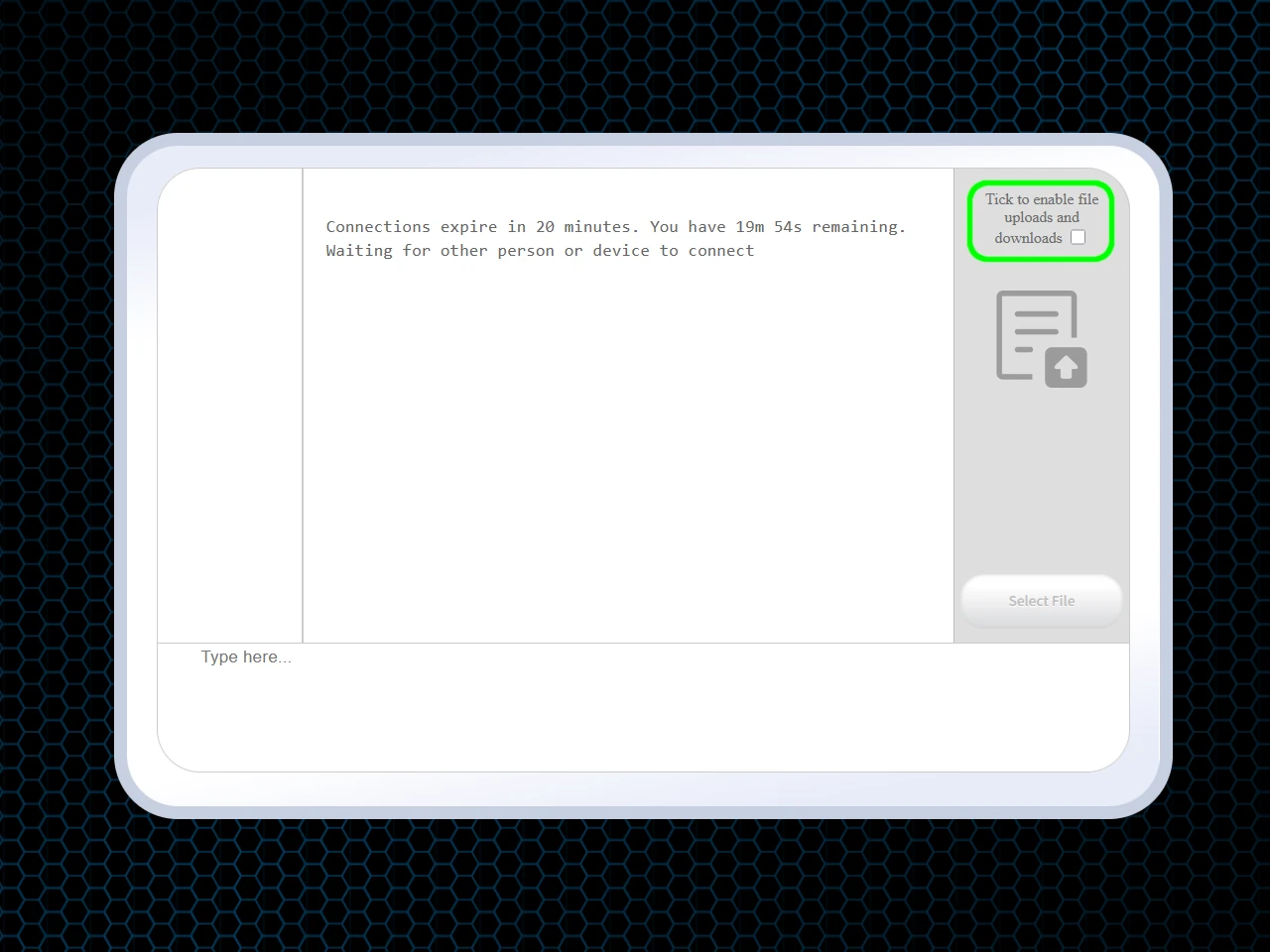
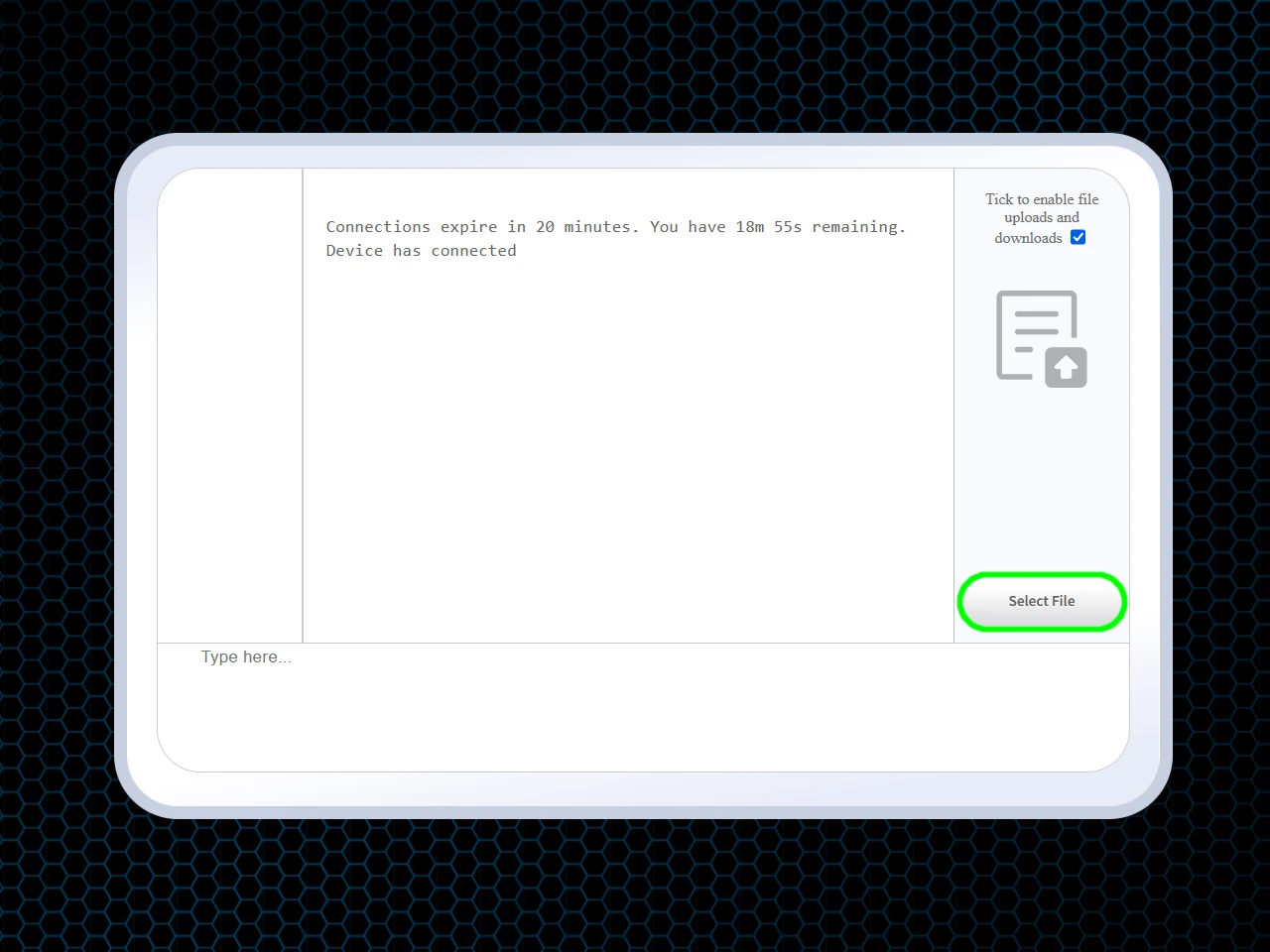
Whether you're sending a tiny PDF or a massive batch of original-quality photos, you just pair the devices via your browser, and the files transfer instantly.
Take a look at some more file-transfer dilemmas xosend solves.
How Secure Are Public Computer File Transfers?
When you're uploading or entering any of your sensitive data into a shared computer, caution isn't just a sensible approach, it's essential.

If the thought of entering passwords and logging into your accounts on a public computer set alarm bells ringing, you're not alone. A security conscious attitude is arguably the best protection when using an unfamiliar, public device.
- Logging in risks intercepted credentials - Accessing private email or cloud storage on an unsecured network leaves your passwords vulnerable to theft. Because xosend is completely account-free, you never have to type a password into a shared computer.
- USB drives invite malware - Plugging personal hardware into an unfamiliar computer immediately risks exposing it to any viruses already on the machine. With xosend all transfers are managed wirelessly via a secure encrypted connection, so this risk disappears. It's simply impossible to copy files onto your device without your approval.
- Forgotten logouts leave accounts exposed - Failing to sign out of a public PC gives the next user full access to your sensitive information. With xosend there's no account to leave active, so the risk of a lingering account access is gone.
Here's Why xosend is Easier and Safer
All of these risks are bypassed when you use xosend to transfer your files.
Because it is entirely account-free, you never have to type a password or log into any personal accounts on the public keyboard. There is zero risk of a forgetting to log-out because there is no account to leave logged-in.
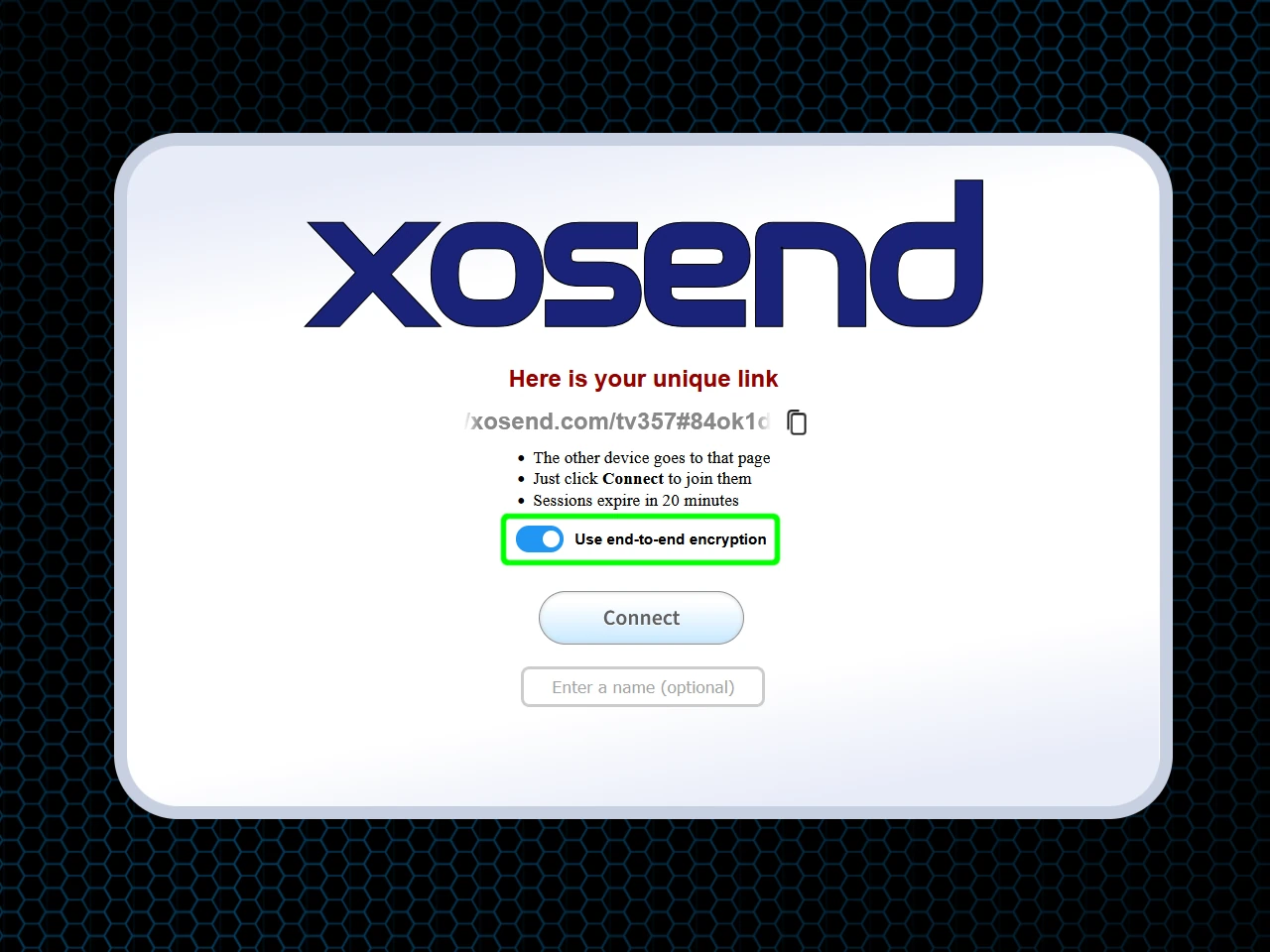
For additional protection, xosend lets you transfer your files wirelessly from your phone or laptop using a securely encrypted connection, so there's no threat posed by plugging your personal hardware into an unfamiliar, unsecured public computer.
Files are transferred securely between your browser and the one on the public computer, so you don't need to plug-in a USB drive and risk malware or spyware infections.
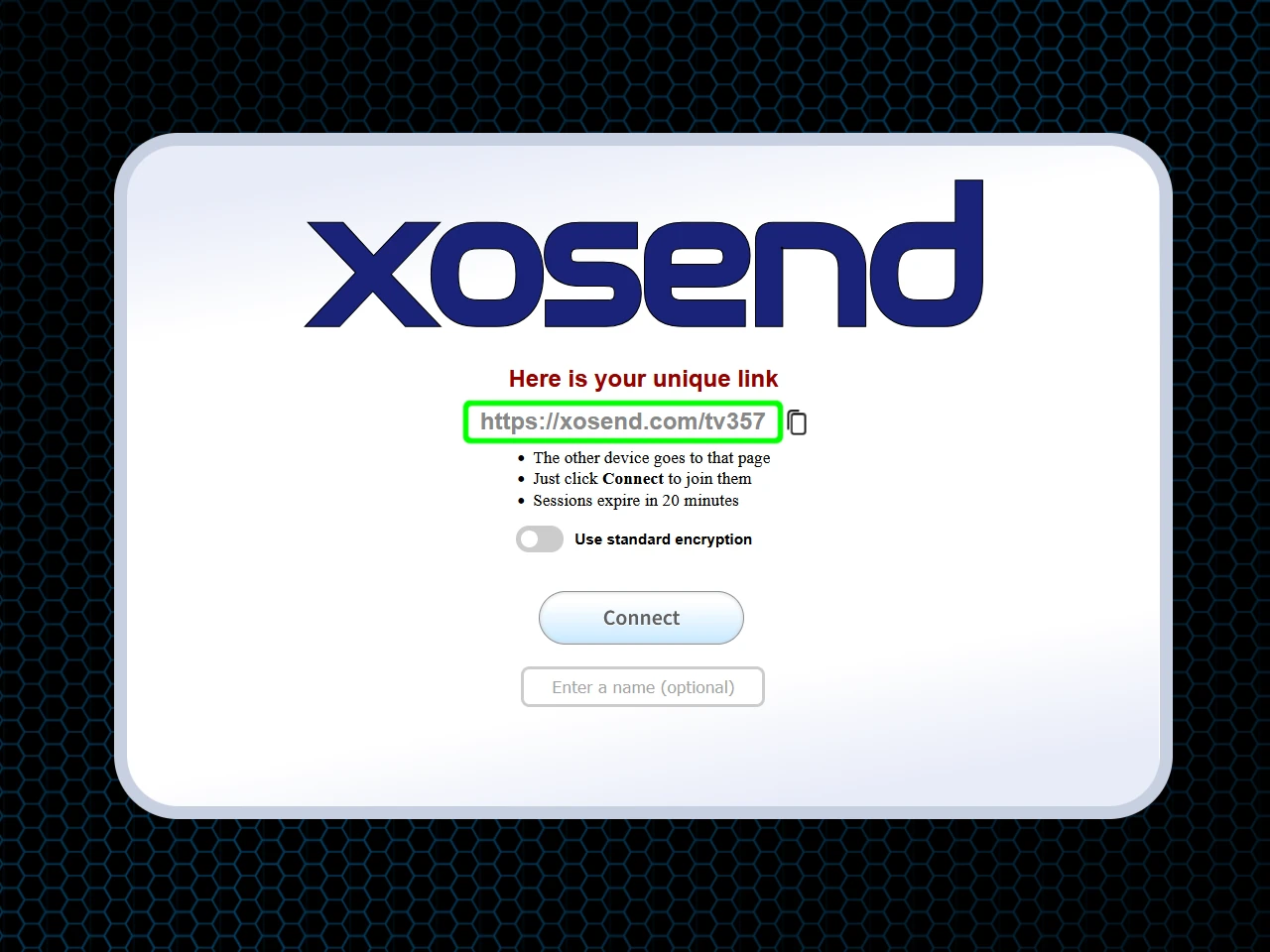
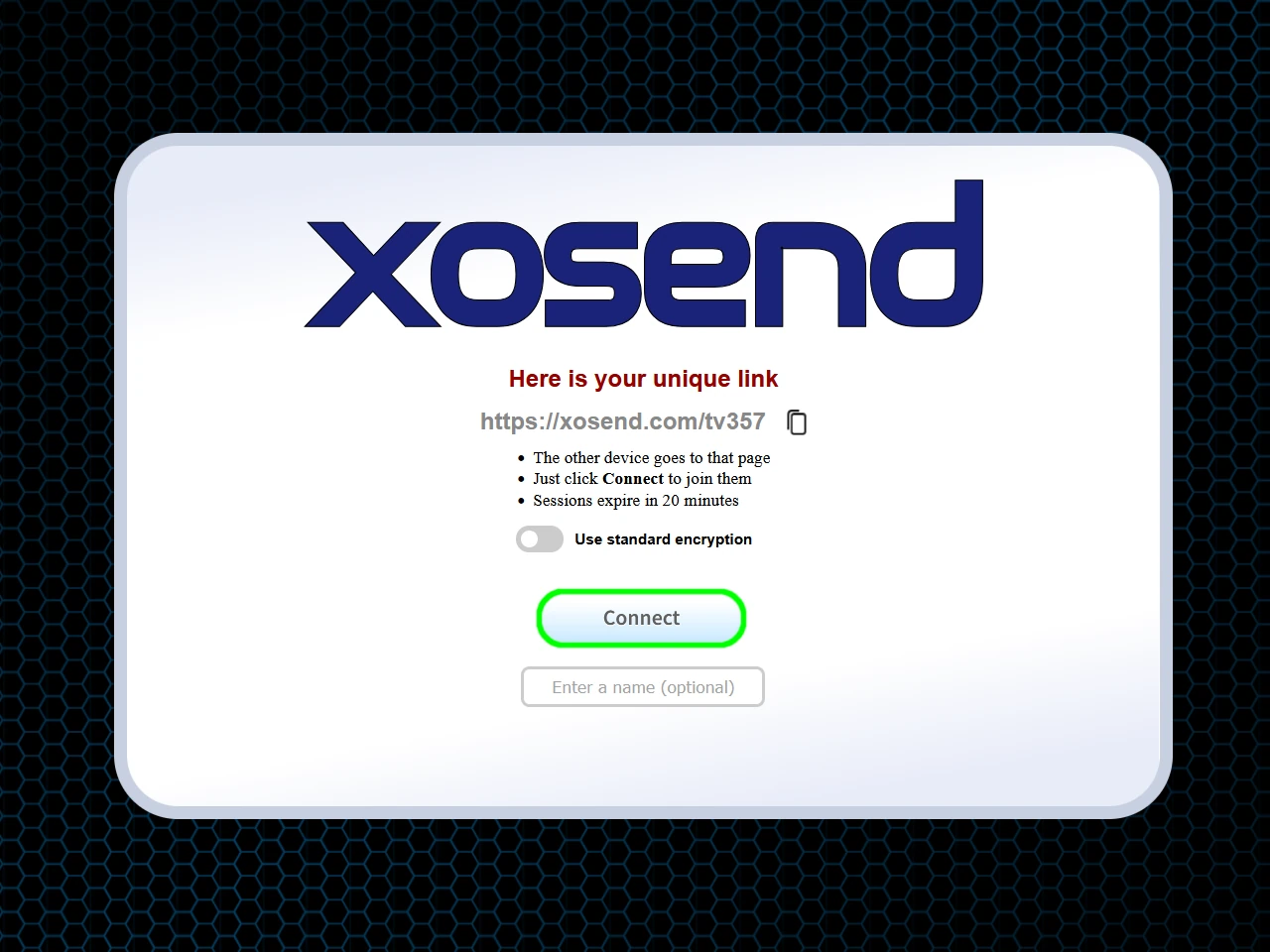
Transfer files to a public computer in seconds
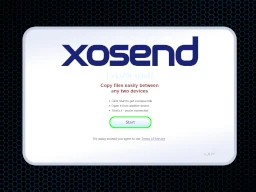
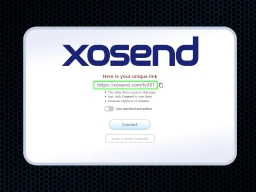
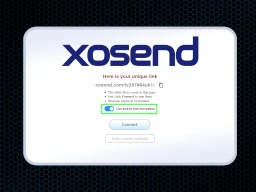
(Optional)
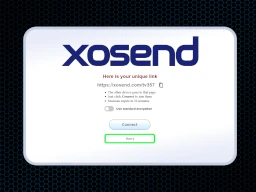
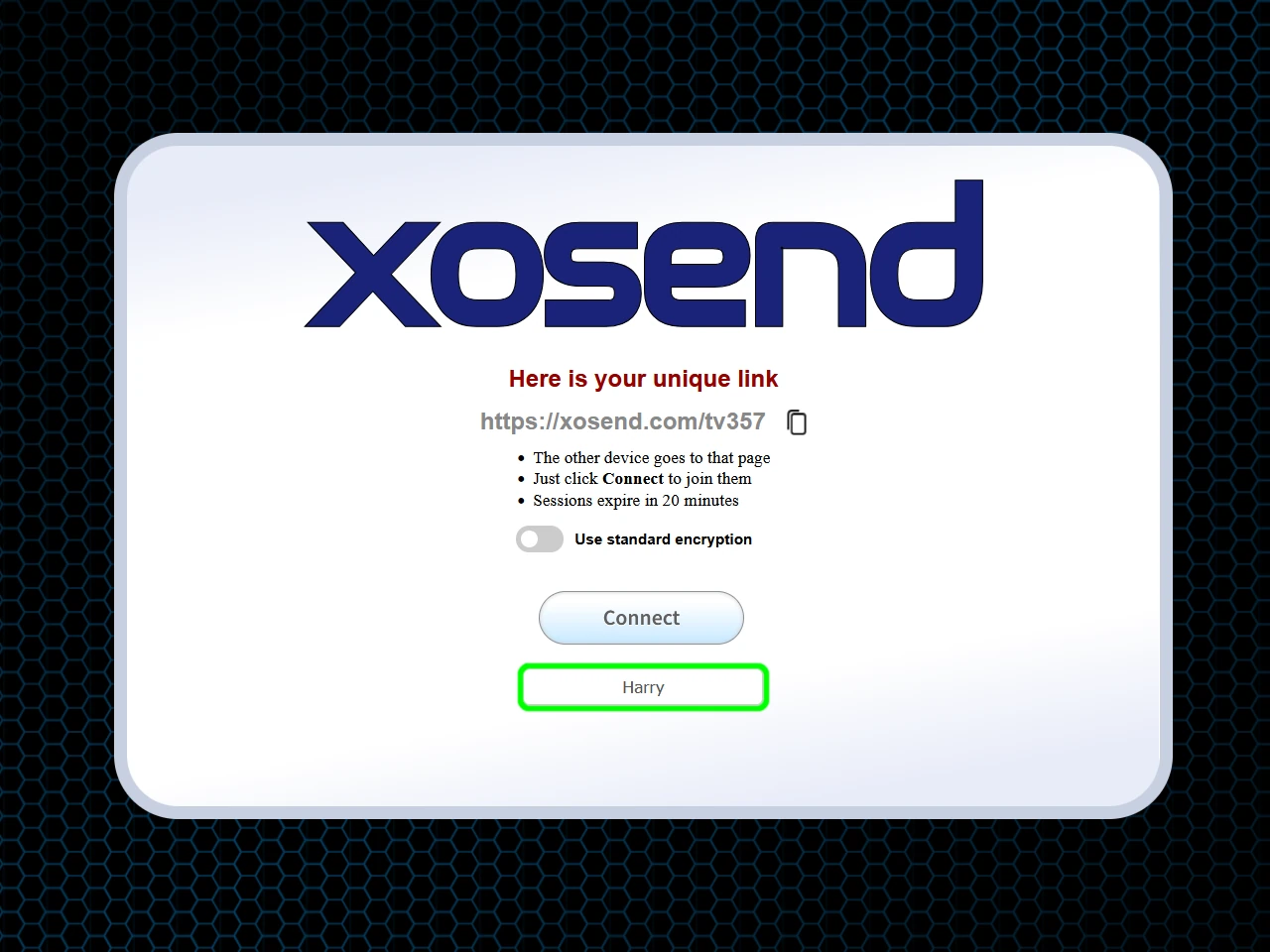
(Optional)
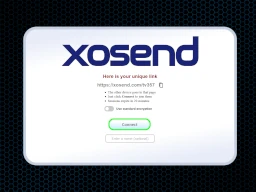
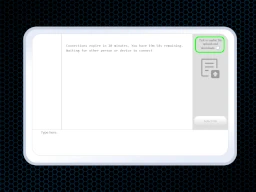
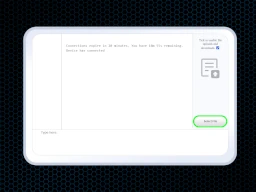
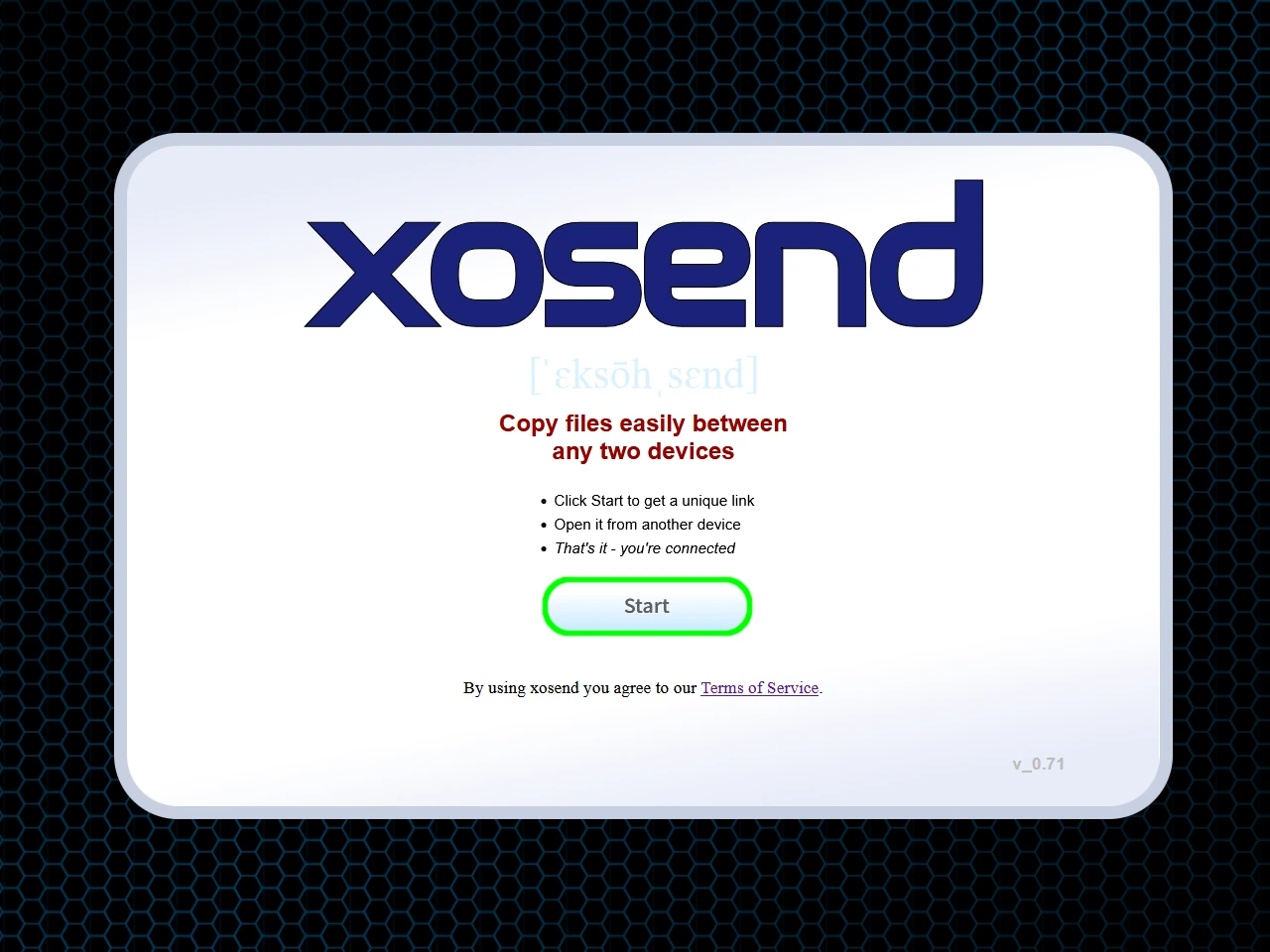
Frequently Asked Questions
How do I transfer files from an iPhone to a Windows public PC without a cable or iTunes?
You can transfer files from an iPhone to a Windows PC using cloud storage, email, or a browser-based transfer tool like xosend.
But public PCs often lack iTunes and logging into iCloud can be risky, so a web tool is your safest option. With xosend, you simply open the website on both your iPhone and the public Windows PC, pair them securely using the provided link, and instantly send your photos or documents directly over the internet without installing any software or plugging in a single cable.
How can I transfer files to a PC when the USB ports are disabled?
Public PC's USB ports are usually disabled as a security measure at libraries and universities. If that's the case you'll need to use a wireless transfer method like xosend instead.
While you could email small files to yourself, larger files will get blocked. The most efficient workaround is using a direct wireless transfer. By visiting xosend on your mobile device and the public computer, you can securely connect the two devices via your browser. This allows you to wirelessly drop files of any size directly onto the PC's desktop.
Is it safe to log into personal email or cloud storage on a hotel or library computer?
It is not always safe to log into personal accounts on public computers. It often comes down to whether their network administrators are vigilant enough to seccure the network and the machines on it.
Shared machines can be infected with keyloggers or malware that secretly record your passwords. Furthermore, forgetting to log out leaves your sensitive data completely exposed to the next user. Instead of risking your credentials, use an account-free tool like xosend. It allows you to wirelessly transfer the specific files you need directly to the public computer without ever typing a password or signing into your private cloud storage.
How can I transfer files larger than 25MB to a computer without using email?
To transfer files larger than 25MB without email, you can use a physical USB drive, a cloud storage link, or a peer-to-peer file transfer service like xosend.
Since USBs are often blocked on public computers and cloud drives require vulnerable logins, a peer-to-peer service is best. xosend completely bypasses standard email attachment limits by sending your data directly over the internet. You can transfer massive presentations, folders, or high-resolution videos to any PC instantly, with transfer sizes limited only by your local network speed.
Why do public computers block access to Google Drive and Dropbox?
Public networks often block cloud storage sites like Google Drive and Dropbox to prevent users from downloading malware or consuming excessive bandwidth. Institutions do this to maintain network security and ensure fair internet speeds for everyone.
If you are locked out of your cloud drive, you can use an alternative browser-based bridge to retrieve your files. xosend establishes a secure, temporary connection directly between your personal phone and the public PC, letting you bypass corporate firewalls without relying on blocked cloud domains.
How do I send a document to a public desktop without creating an account or logging in?
The easiest way to send a document to a public computer without logging in is to use an anonymous, web-based file transfer platform like xosend.
Many services force you to register, but account-free tools rely on temporary session links instead. With xosend, there is zero signup required. You simply generate a secure connection link on the public computer, open that link on your smartphone or laptop, and authorize the transfer. Your document arrives instantly, leaving no digital footprint or active session behind.
More Ways to Use xosend
-
How to send files from iPhone to Android
Cross-platform file transfers are hassle-free with xosend. Best of all, it works on pretty much every make and model.
-
AirDrop alternative that works online
You don't need to be in the same room (or even the same country) to send a file to another phone with xosend.
-
Transfer Files Without a Cable
Don't have the right cable to hand? You don't need it with xosend. Transfer files easily and wirelessly.