
How to Transfer Large Files for Free
If you want to skip the notes and jump straight to transferring your files, just click the blue Transfer Now button above to start a connection and send your files to another device.
If you want a quick 30-second guide, our step-by-step tutorial will show you how to transfer large files using our free web-based app.
For the rest of the article we'll be looking at the problems people face when trying to send large files, and how you can use xosend to send them for free without any of the limit and restrictions you get with other solutions.

Sending a file to another device should be as simple as copying it from one file to another, but it usually isn't. There's a long list of apps, sites and tools that can do the job, but they all seem to have design flaws or restrictions that turn this simple, everyday task into an irritating chore.
Let's take a look at some of them.
-
🚫
Strict Email Limits: Most have a 20MB–25MB attachment limit that causes emails to bounce or fail.
-
📊
Low Size Caps on Free Tools: Most have a 2GB–5GB maximum file limits on free transfer services and cloud drives.
-
🐌
Speed Throttling: Frustratingly slow transfer speeds because free tiers intentionally cap bandwidth.
-
🎈
Hidden File Bloat: Files often rejected because email encoding inflates file sizes by up to forty percent during transit.
-
🔐
Account Requirements: Popular sites often force the sender or recipient to create an account just to access the file.
-
🖼️
Media Quality Loss: Apps heavily compress or zip high-resolution images and videos to make them fit, degrading the quality.
-
⚠️
Security Concerns: Data privacy and safety is a lower priority for some ad-heavy, unencrypted public file-sharing websites.
Comparing large file transfer methods
| Unlimited File Size | All Features Included Free | Doesn't Lower Media Quality | Unthrottled Speeds | App-Free, Account-Free | |
|---|---|---|---|---|---|
| xosend | Unlimited | ||||
| Email Attachment | 25MB Limit | ||||
| Cloud Free Tiers | 2GB - 5GB | ||||
| Messaging Apps | Under 2GB |
🚫 Strict Email Limits
Trying to send a large video, PDF or project file by email often ends in frustration. Most email providers enforce a strict 20MB to 25MB attachment limit which causes messages to bounce or fail completely.
Whether you're sending to a colleague, a client or just need to move a file from your phone to your desktop, you can use xosend to bypass those limits for free. Because it has no file-size limits, you're free to share large files across any device, far beyond what email allows.
With xosend, the only restriction is a 20-minute limit that applies to each connection.
📊 Low Size Caps on Free Tools
Many free cloud drives and transfer services lure you in, only to hit you with strict 2GB to 5GB maximum file size caps. If your 4K video footage or bulky software backup exceeds that threshold, you are forced to pay for a premium upgrade or compress your work.
To overcome this digital restriction, use xosend. In addition to being app-free and account-free, we've removed the file size caps and paid tiers that get in your way and slow you down.
Whether you are uploading a 10GB video file or a massive 3D rendering for a construction project, xosend handles it effortlessly. It works directly in your browser on any device, so you avoid restrictive cloud tiers and complicated setups.
🎈 Hidden File Bloat
It's not uncommon to have your file rejected even though you could've sworn it was within the attachment size limit. This happens because standard email encoding inflates file sizes by up to 40 percent during transit, turning a perfectly sized 18MB attachment into a blocked 25MB failure. You can avoid the complications this hidden bloat creates simply by using xosend.
By creating a direct, secure bridge between devices, your file is transferred exactly as it is without unnecessary inflation. This browser-based method ensures your data remains unaltered. You can move a large document seamlessly between an iPhone and a Windows PC, bypassing legacy email encodings and their frustrating rejections.
🐌 Speed Throttling
Waiting hours for your downloads is a common headache with many free transfer services because they intentionally throttle bandwidth to encourage paid subscriptions. This artificial speed capping makes sharing everyday files an agonizingly slow process.
But because xosend utilizes direct peer-to-peer technology, your file is sent directly between your devices. That means there's no "middle-man" server to slow you down, deliberately or otherwise, so you benefit from the fastest transfer speed your local network or internet connection allows.
Just open your browser, connect, and enjoy an unthrottled, high-speed transfer without ever needing to download an app or create an account.
🔐 Account Requirements
Nothing ruins the convenience of sharing a large file quite like forcing you or the recipient to register for a new account at the last moment. Popular cloud platforms frequently do this, demanding logins, passwords, and email verifications just to access a single shared document or video.
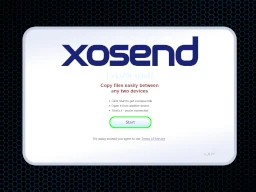
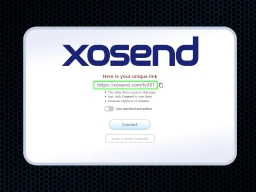
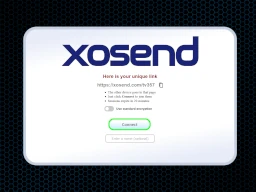
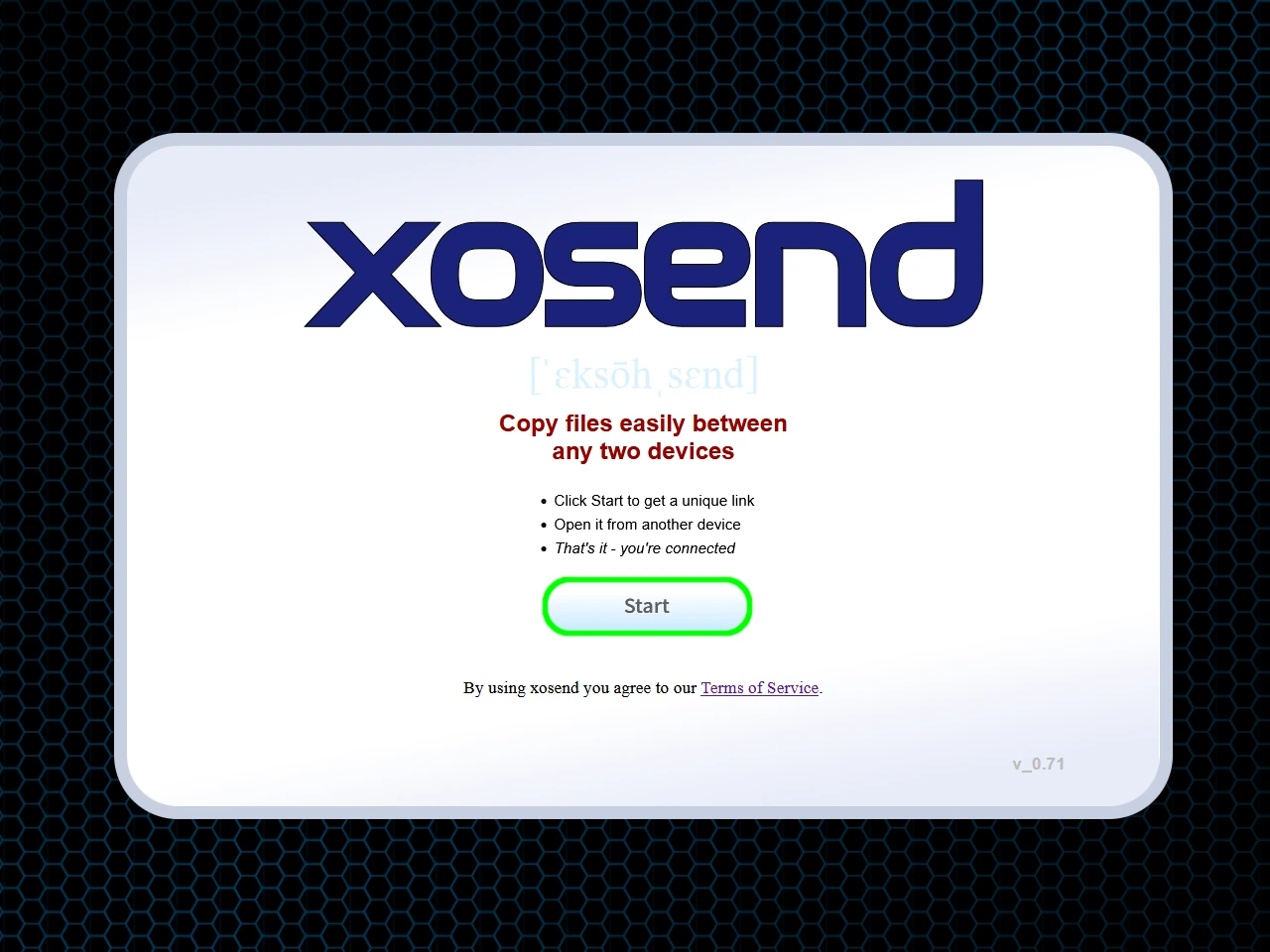
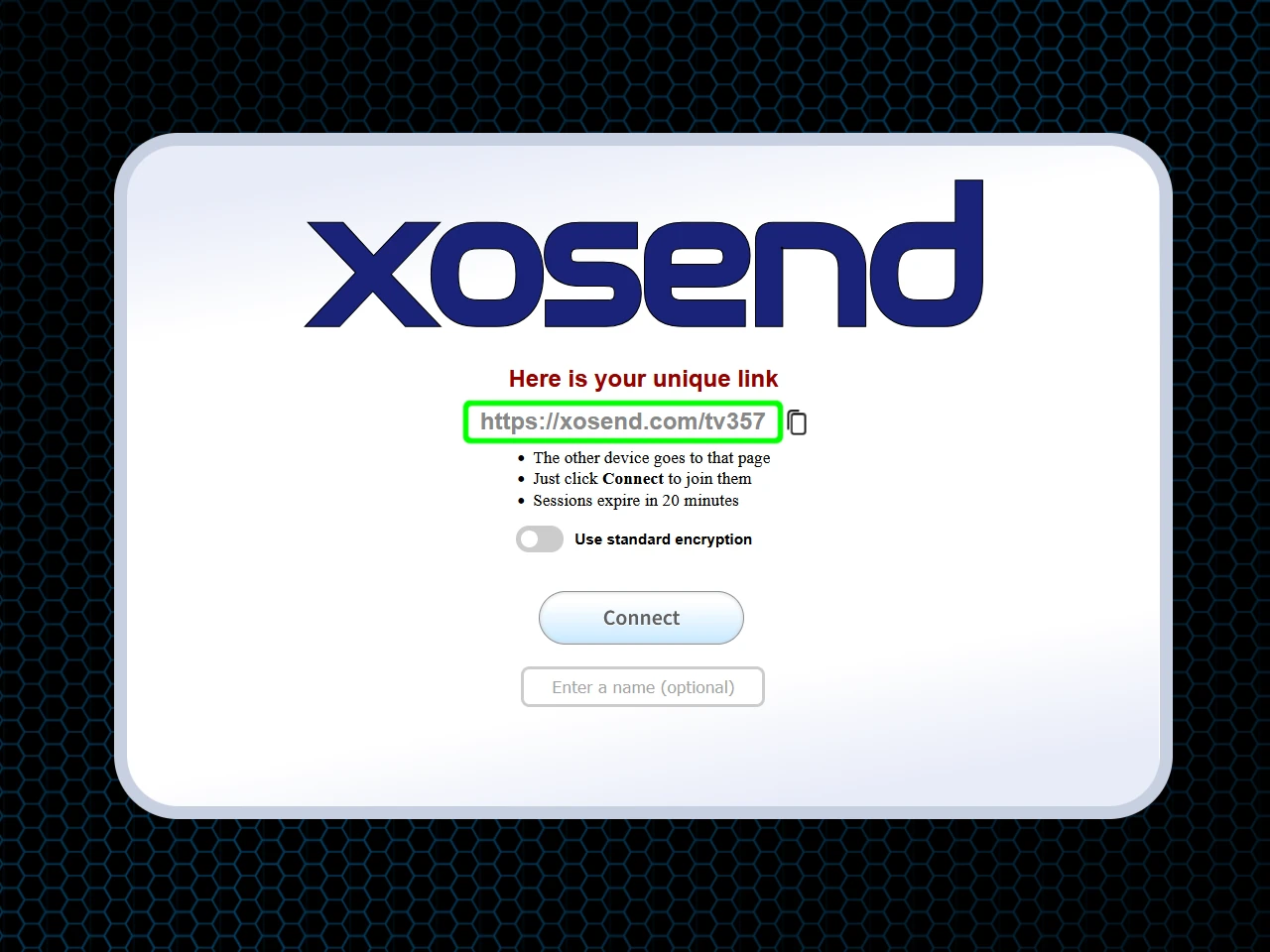
For an alternative that respects your time and privacy by being completely account-free and app-free, use xosend. Just simply press Start to generate a secure link, open it from the device you want to connect, and transfer your file immediately.
It works seamlessly on any device with a web browser, making it the perfect friction-free solution when you simply want to send a file without joining another mailing list.
🖼️ Quality Loss
Sharing a crisp, high-resolution photo or a massive 4K video often results in receiving a blurry, pixelated mess. Most messaging apps and free transfer tools heavily compress or zip your media to save server space, permanently degrading your original quality.
With xosend, we guarantee that what you send is exactly what they receive. We don't alter or compress your files in any way, which means xosend transfers your media in its original, pristine format without any added compression.
It works seamlessly across any browser-enabled device, so you can securely share your best photography or video project exactly as you intended, free from destructive quality loss.
⚠️ Security Concerns
Uploading a sensitive document or confidential work file to ad-heavy, unencrypted public file-sharing websites exposes your data to significant privacy risks.
You never really know who has access to those servers or how long your file is stored. So xosend provides peace of mind through a direct, peer-to-peer architecture that doesn't store your data in a vulnerable cloud.
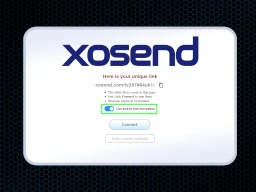
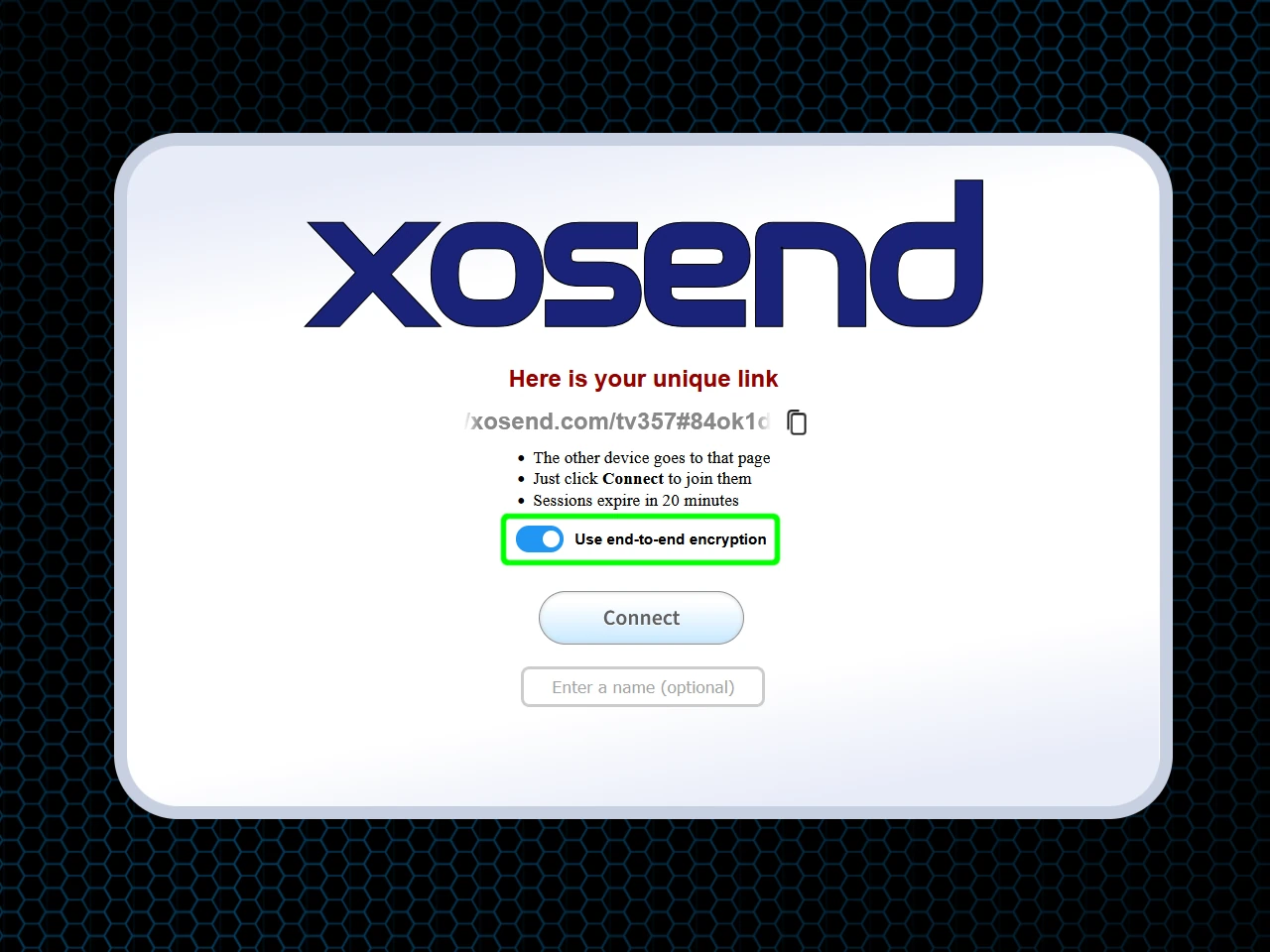
Because xosend gives you the choice of standard encryption or true end-to-end encryption that uses out-of-band AES256 for extra protection, you can establish a highly secure connection between devices that other apps and sites can't provide.
Since it is entirely browser-based and session-limited to 20 minutes, your transfer remains private, anonymous, and protected from prying eyes.
Take a look at some more file-transfer dilemmas xosend solves.
Why xosend is better for large file transfers
Sending large media like 4K video footage or massive design projects usually means hitting frustrating digital roadblocks, from strict 25MB email limits to 5GB caps on free cloud drives.
By using xosend you can eliminate these barriers. That's because we offer unlimited file sizes without forcing you to compress your work or pay for premium upgrades.

Standard email encoding can artificially inflate the size of your files by up to forty percent. But xosend transfers your data exactly as it is, keeping it perfectly intact.
Beyond just capacity, xosend delivers unthrottled transfer speeds by creating a direct, secure connection between devices whenever possible. With a direct connection you don't have servers in the middle unnecessarily capping your bandwidth, so your files move as fast as your local network or internet connection allows.
And xosend does all of this completely app-free and account-free directly in your browser. This lets you instantly bridge the gap and connect different devices, like iPhone to PC, or Android tablet to a Mac, for up to 20 minutes per session.
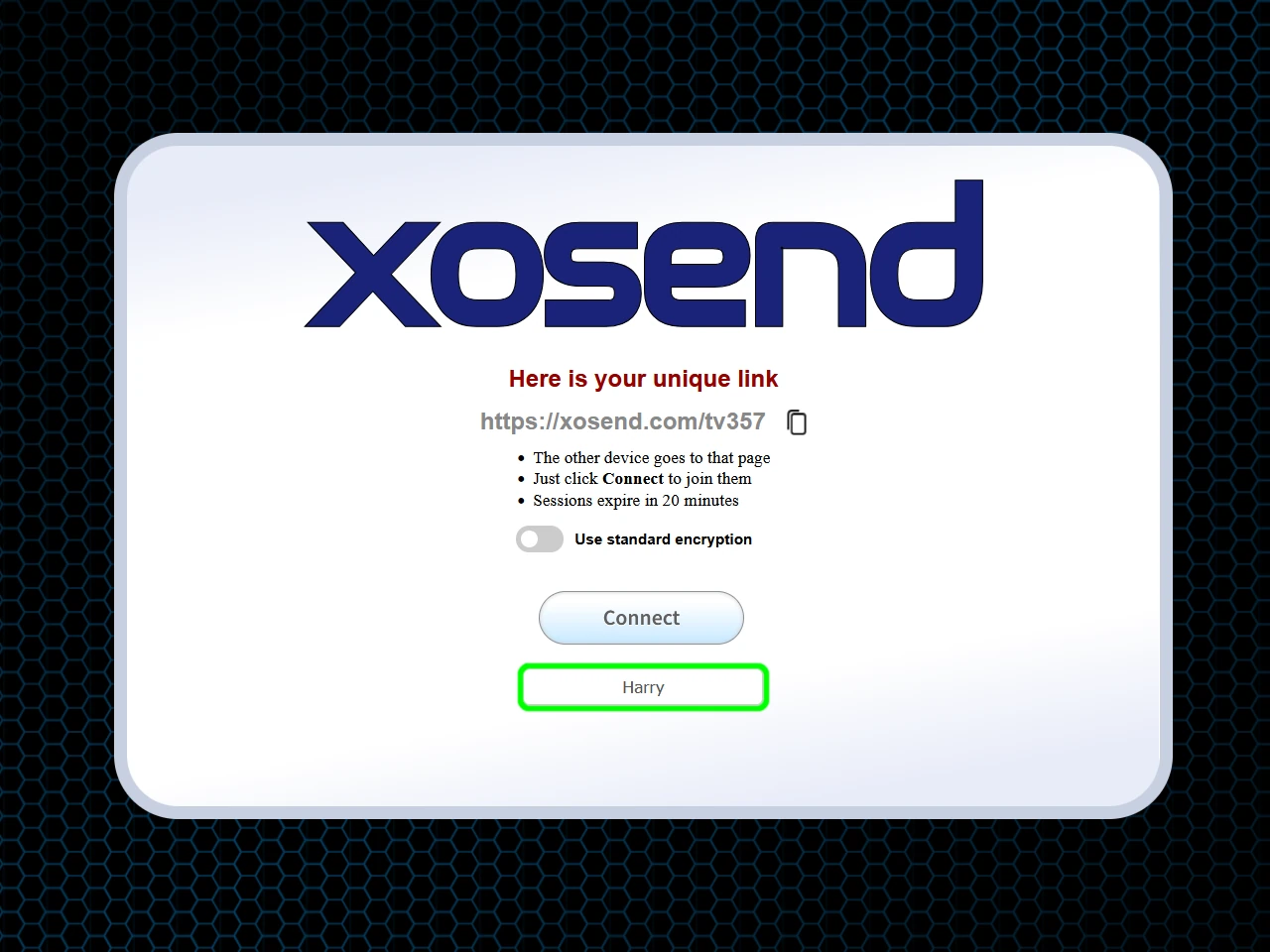
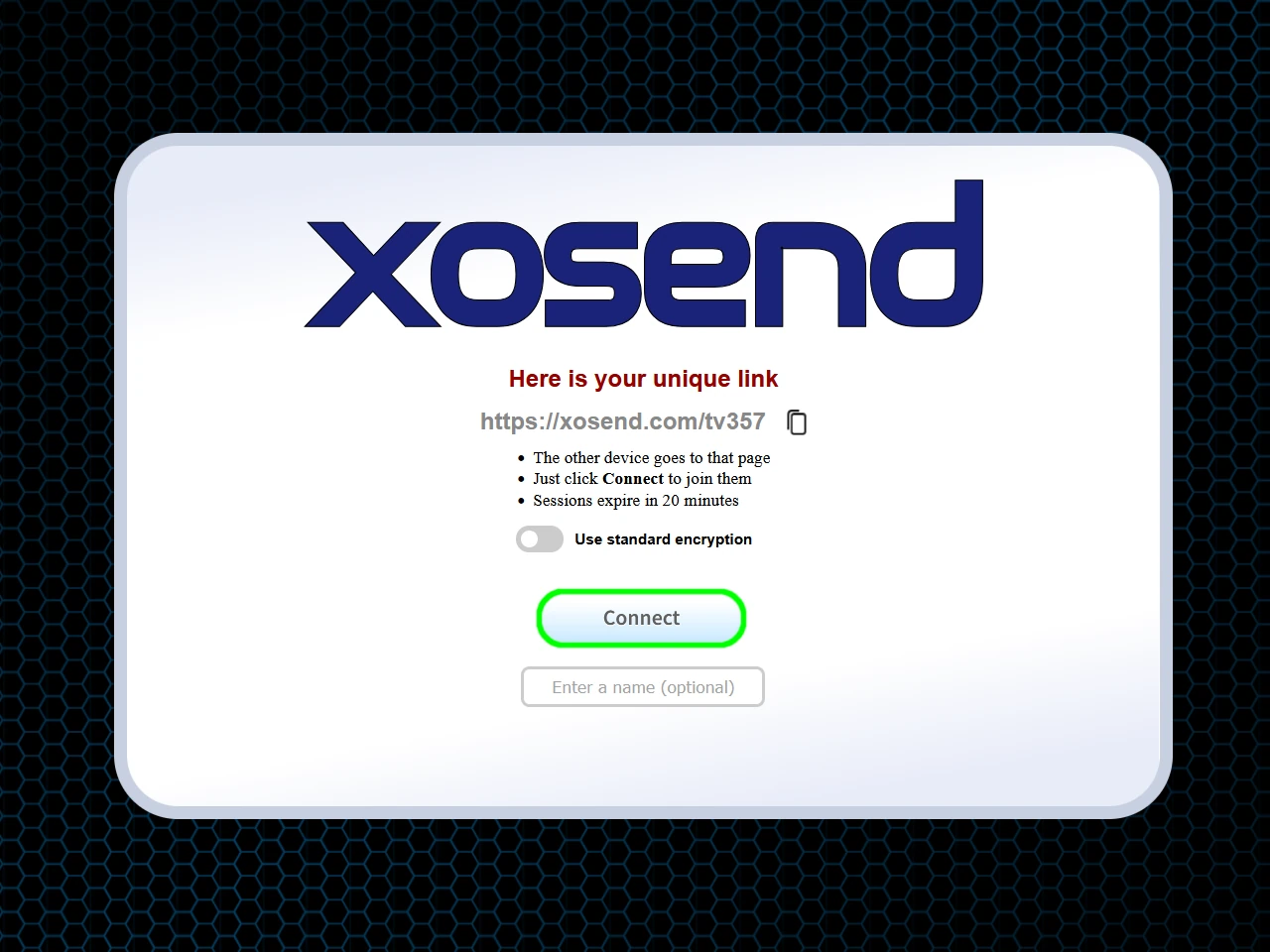
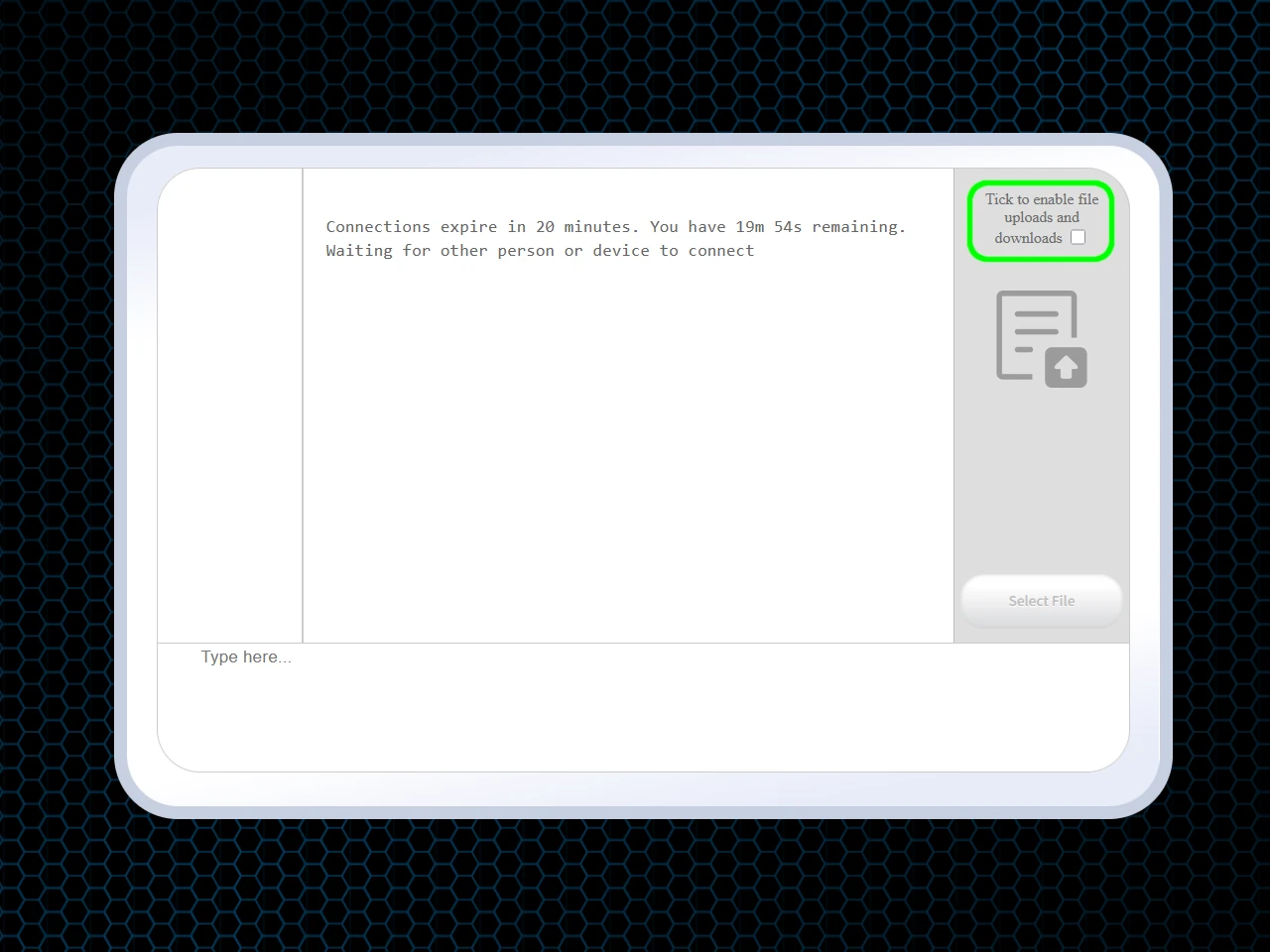
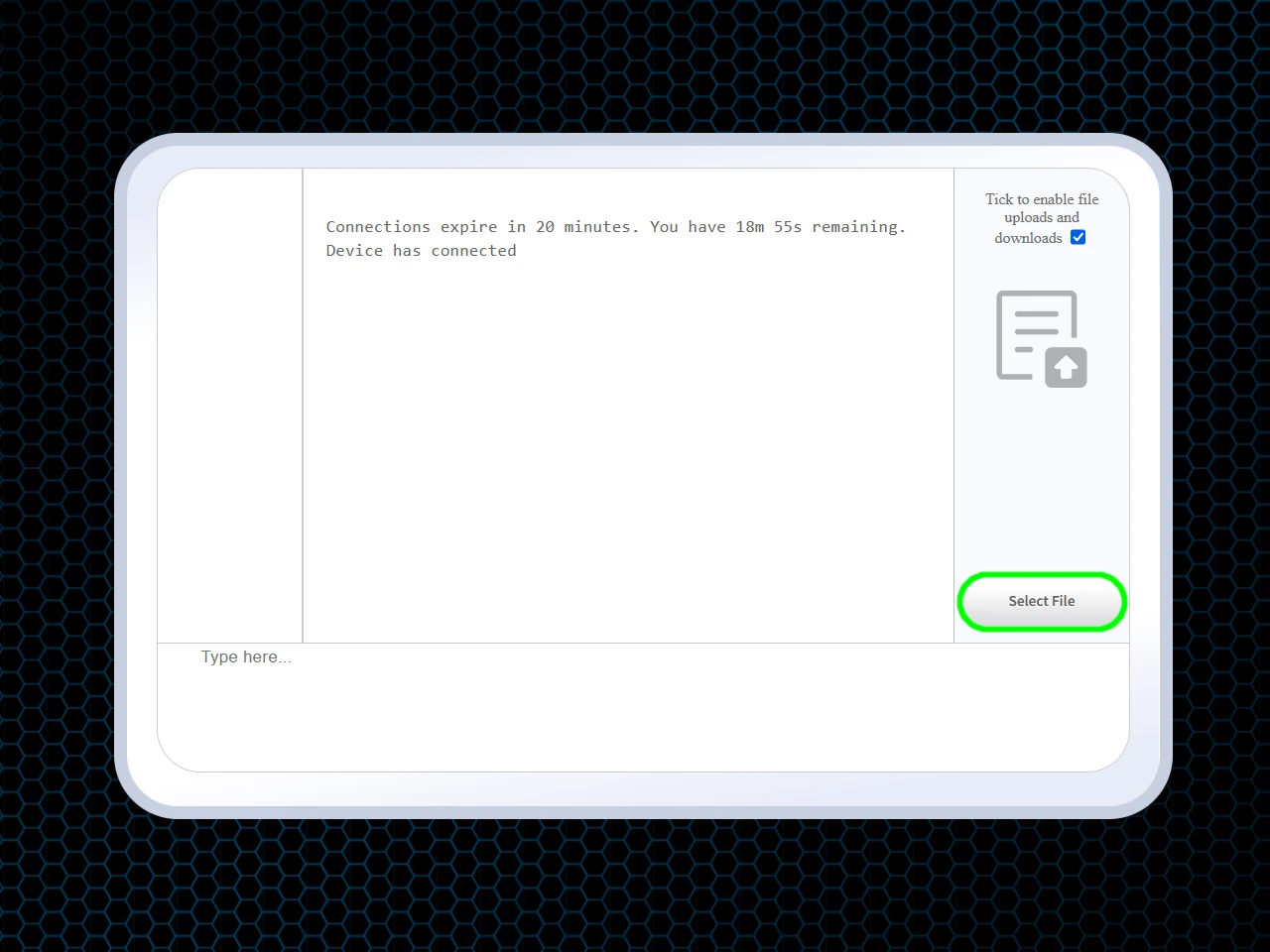
How to transfer large files for free
Requirements: An Internet Connection and Any Web Browser (preferably Chrome, Safari, or Edge).
(Optional)
(Optional)
Frequently Asked Questions
How can I send a file that is too big to email?
When dealing with sizeable documents or large data sets, standard 25MB attachment caps can be a major roadblock. Instead of fighting bounced messages or upgrading your cloud storage plan you can use xosend, a free file-sharing service.
By establishing a direct, browser-to-browser connection, you can wirelessly share massive folders and high-capacity files with zero restrictions. This saves you the hassle of paid subscriptions, mandatory registrations, or complicated app installations.
How do I send photos and videos in their original quality?
Messaging apps and other free communication tools frequently downscale heavy multimedia assets to conserve bandwidth, which introduces pixelation and ruins image fidelity.
Because xosend routes your data straight to the receiving hardware, it ensures lossless delivery. Whether you are exporting bulky 4K cinematic footage, uncompressed audio, or raw photography portfolios, the original resolution remains completely intact without any forced zip routines or automated downgrades.
Is there a way to share large documents securely?
Yes, xosend utilizes direct device-to-device architecture so your proprietary information is never parked on a vulnerable cloud drive. Coupled with optional AES-256 end-to-end encryption and self-terminating 20-minute sessions, your sensitive corporate materials and personal records remain heavily guarded against interception.
Other platforms place datacentre servers between your devices which can compromise your confidentiality, especially if they lack robust cybersecurity measures. The safest strategy is to bypass those intermediary servers entirely.
How can I bypass email attachment limits?
Most of the popular email services use encoding methods that can swell a document's footprint by up to 40%, producing digital bottlenecks. To overcome these constraints, you need a solution specifically engineered for gigabyte-scale data exchange.
xosend lets you effortlessly side-step attachment blockers. By simply pairing two screens via a short link, you can utilize a streamlined interface to deliver enormous assets instantly, bypassing artificial bandwidth throttling and arbitrary maximums entirely.
More Ways to Use xosend
-
How to send files from iPhone to Android
Cross-platform file transfers are hassle-free with xosend. Best of all, it works on pretty much every make and model.
-
Transferring files to
a public PCA guide to getting your files onto a library, college or hotel computer at home or abroad.
-
Transfer Files Without a Cable
Don't have the right cable to hand? You don't need it with xosend. Transfer files easily and wirelessly.